

Guides
Complete a store setup, from the first setting to the final check. Each guide brings the steps and resources together in one place.
Set up semi-custom signs
Combine fixed artwork, editable text and preset sizes in one customer customiser.
Read the guide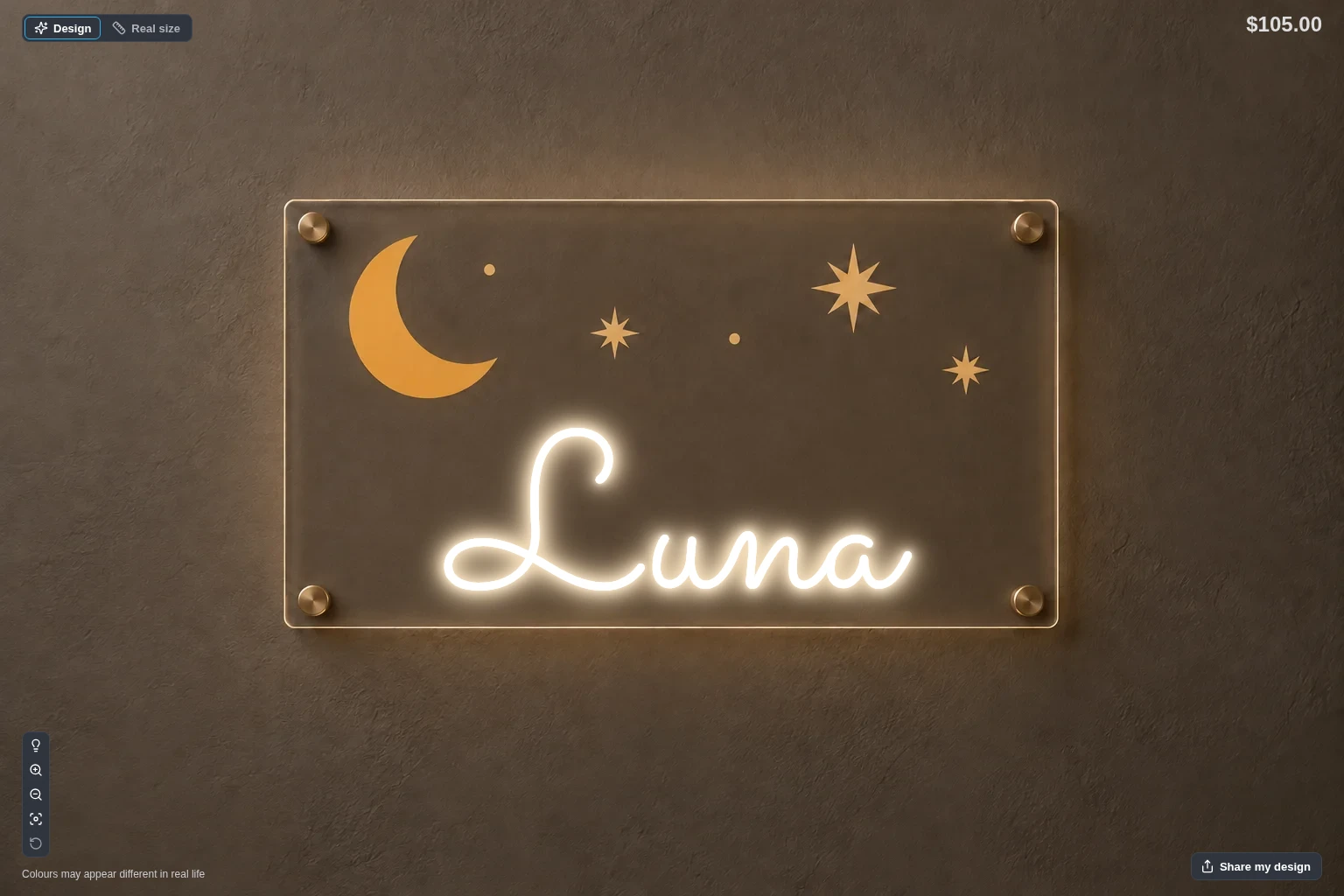
In this guide
- Prepare your artwork and sizes
- Create a Frame Fit customiser
- Add the preset sizes
- Set a fixed price for each size
- Limit the customer to your text options
- Upload and link the backgrounds
- Place the text in the Sign area
- Include the artwork in cart and order images
- Add the customiser to your store
- Test the complete order
Choose an AI Sign Designer setup
Compare the sales, AI-only and quote setups for the AI Sign Designer. Then set up and test the one that fits your Store.
Read the guide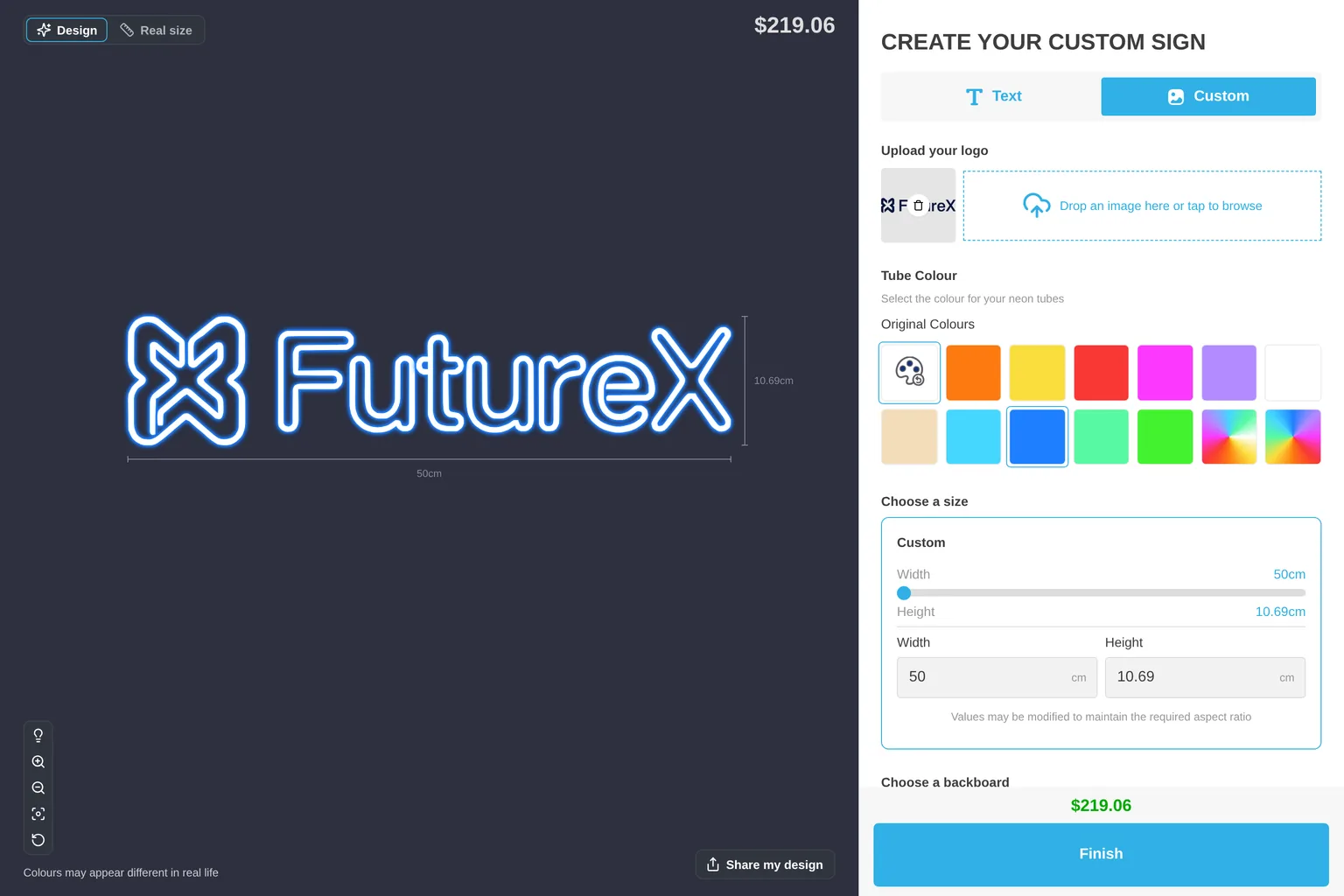
Performance marketing with Sign Customiser
Track design, cart and lead events, use generated products for retargeting, and send campaign data to Meta, Google and email tools on Shopify and WordPress.
Read the guide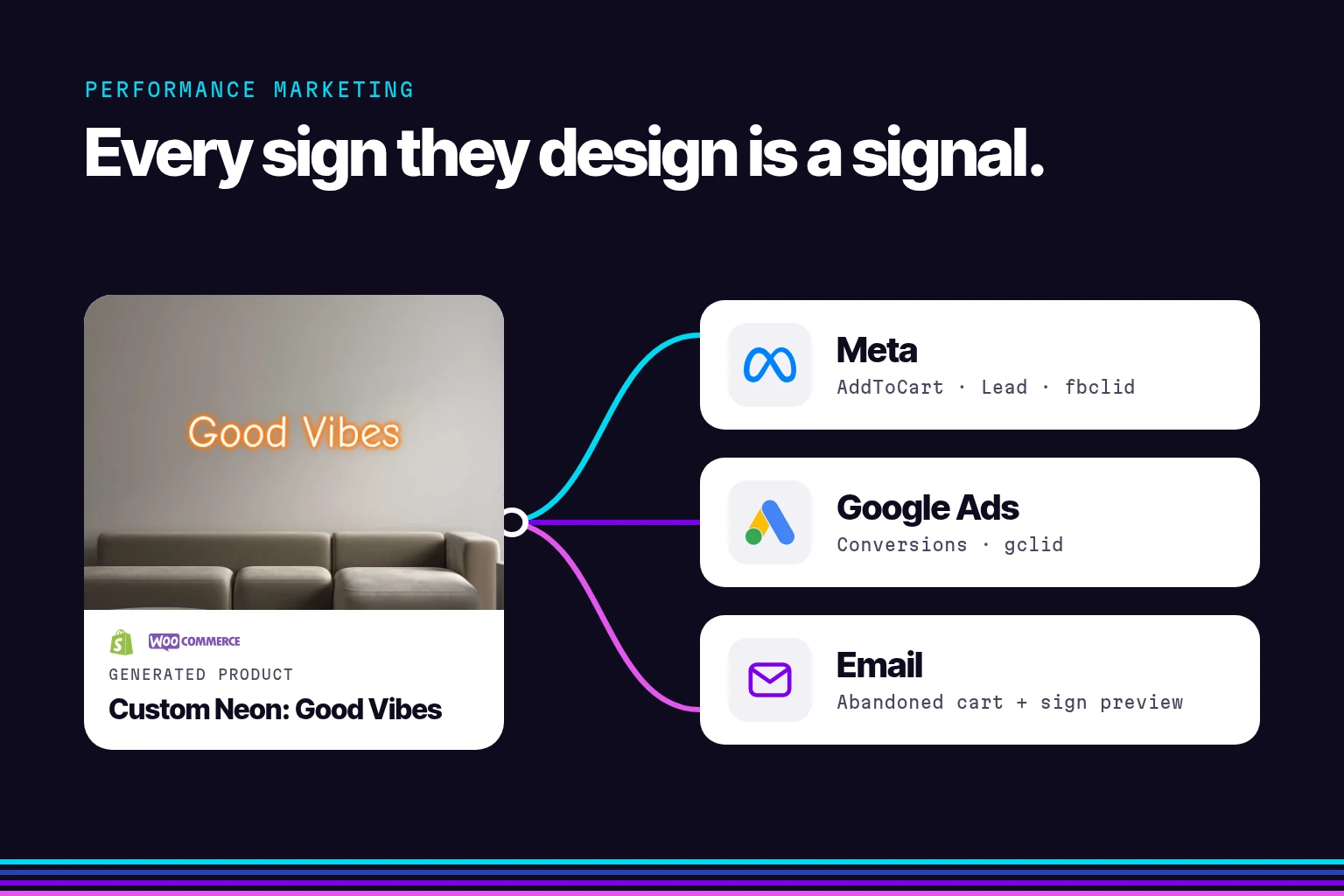
In this guide
- Know the data that Sign Customiser gives you
- Plan your tracking
- Shopify: Prepare your generated products
- Shopify: Send emails to customers who did not buy
- Shopify: Send Sign Customiser events to your tags
- Shopify: Retarget people who designed a sign
- WordPress: Know how the customiser works
- WordPress: Track events and leads
- WordPress: Send emails to customers who did not buy
- Test your setup