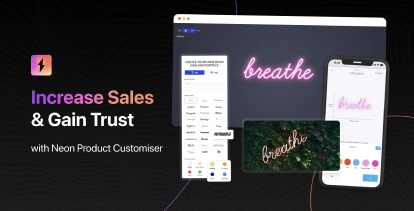
Sign Customiser now gives your customers the power to undo their design changes step by step. Whether they’re adjusting text positions, changing colours, or fine-tuning AI Sign Designer Custom Logos, every edit is tracked and can be reversed with a single click.
What’s Changed
- Step-by-step undo button - A new undo button in the control bar lets customers reverse their most recent change, whether it’s moving text, adjusting a logo, or changing colours
- Full history tracking - Up to 50 design states are stored, allowing customers to step back through multiple changes if they take a wrong turn during customisation
- Works across all elements - Undo support covers text elements, AI Sign Designer Custom Logos, position adjustments, colour changes, and font selections
- Persistent across sessions - When local cache is enabled, the undo history is preserved even if the customer refreshes the page or returns later