


97 in 100 designs are ready to make.
Better
97%
Ready to make, first time
V2 checks every design against the rules for its sign type before your customer sees it. 97 in 100 designs arrive ready for your sign shop.
Previous version → V2
68%to97%
New · V2
 Their photo
How it works
Step 1
Your customer uploads a JPG, PNG, WebP, AVIF, SVG or PDF in your customiser. Very large images are resized for them.
Step 2
AI Sign Designer redraws the image as clean vector lines. It removes stray specks and checks the design against the rules for the chosen sign type. Only a design that passes reaches your customer.
Step 3
The design opens in your customiser with a live price. Your customer can change the size, colours and other options you offer.
Step 4
Your customer adds the sign to the cart and checks out. The order reaches you with the SVG and your production files.
Sign types
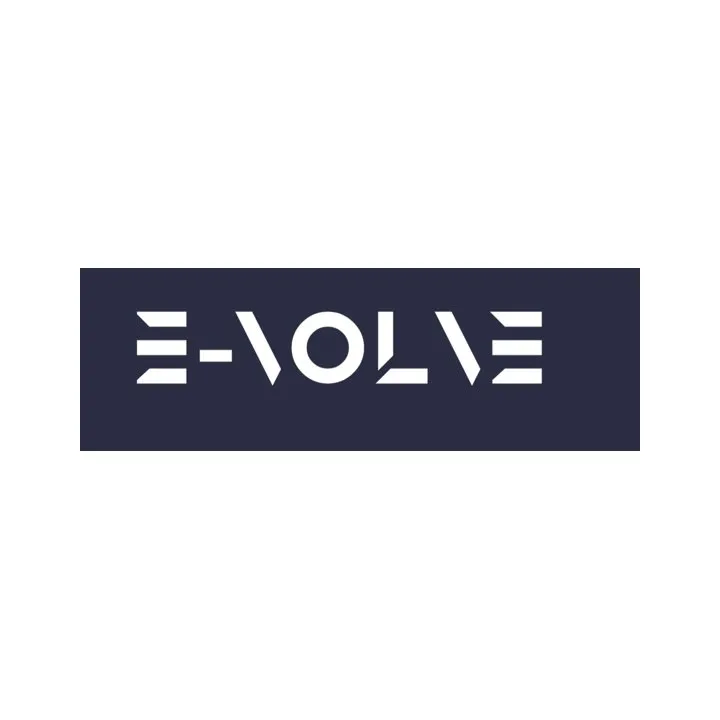
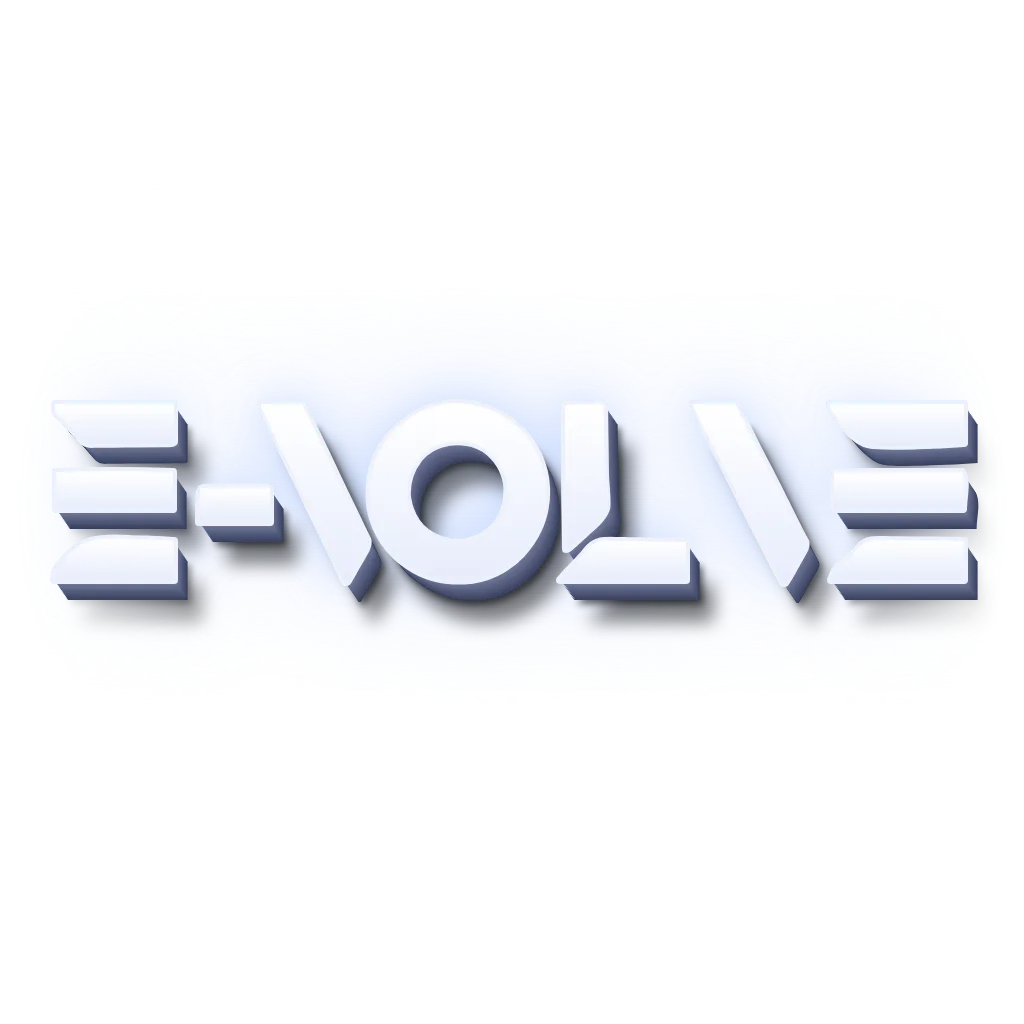
The Evolve logo as uploaded, then as LED neon and Channel letter designs.
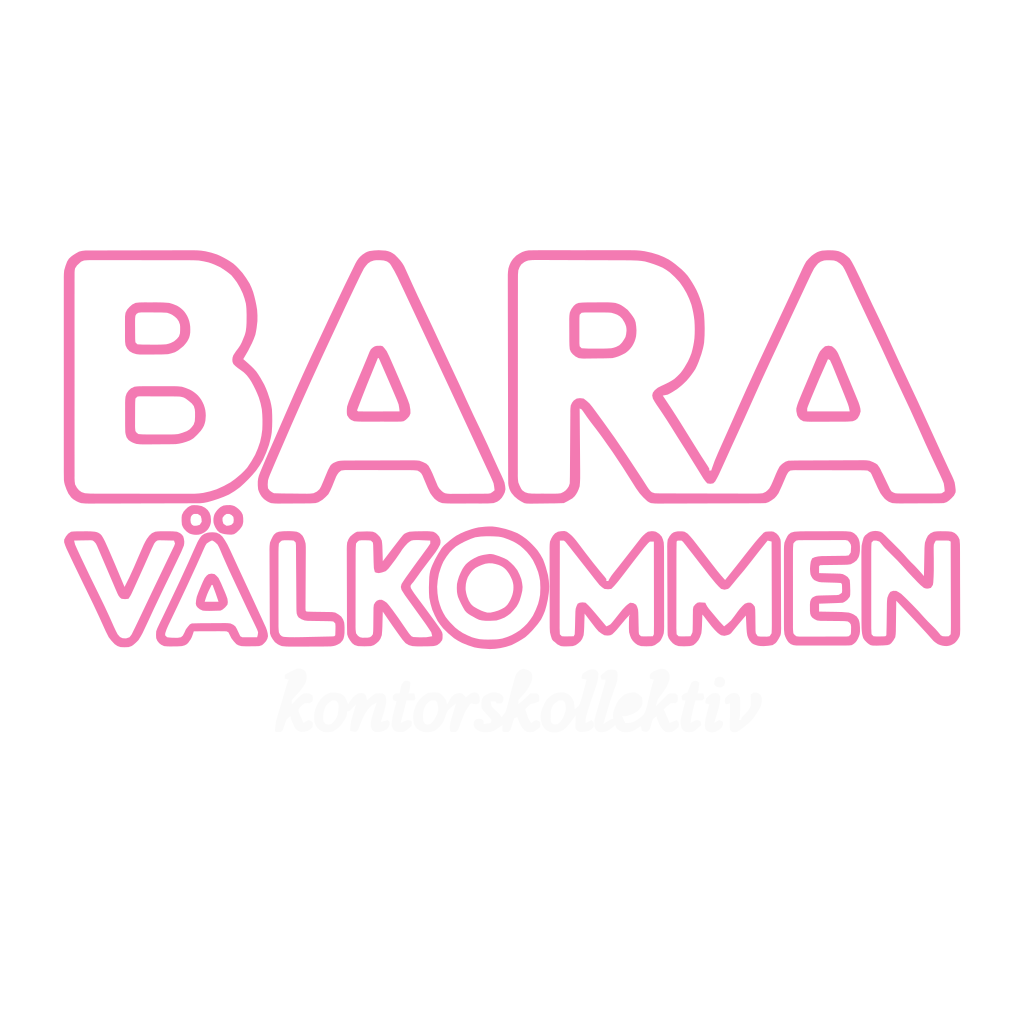
The Bara logo as uploaded, then as LED neon and Stencil designs.
The Design Attic logo as uploaded, then as LED neon and Channel letter designs.
Built for manufacturing
Customer upload
Thick, shaded shapes in many colours. A neon tube cannot fill a shape.
The V2 LED neon file made from the upload. Markers 1 to 4 show the changes in the list. Select a marker to show its change.
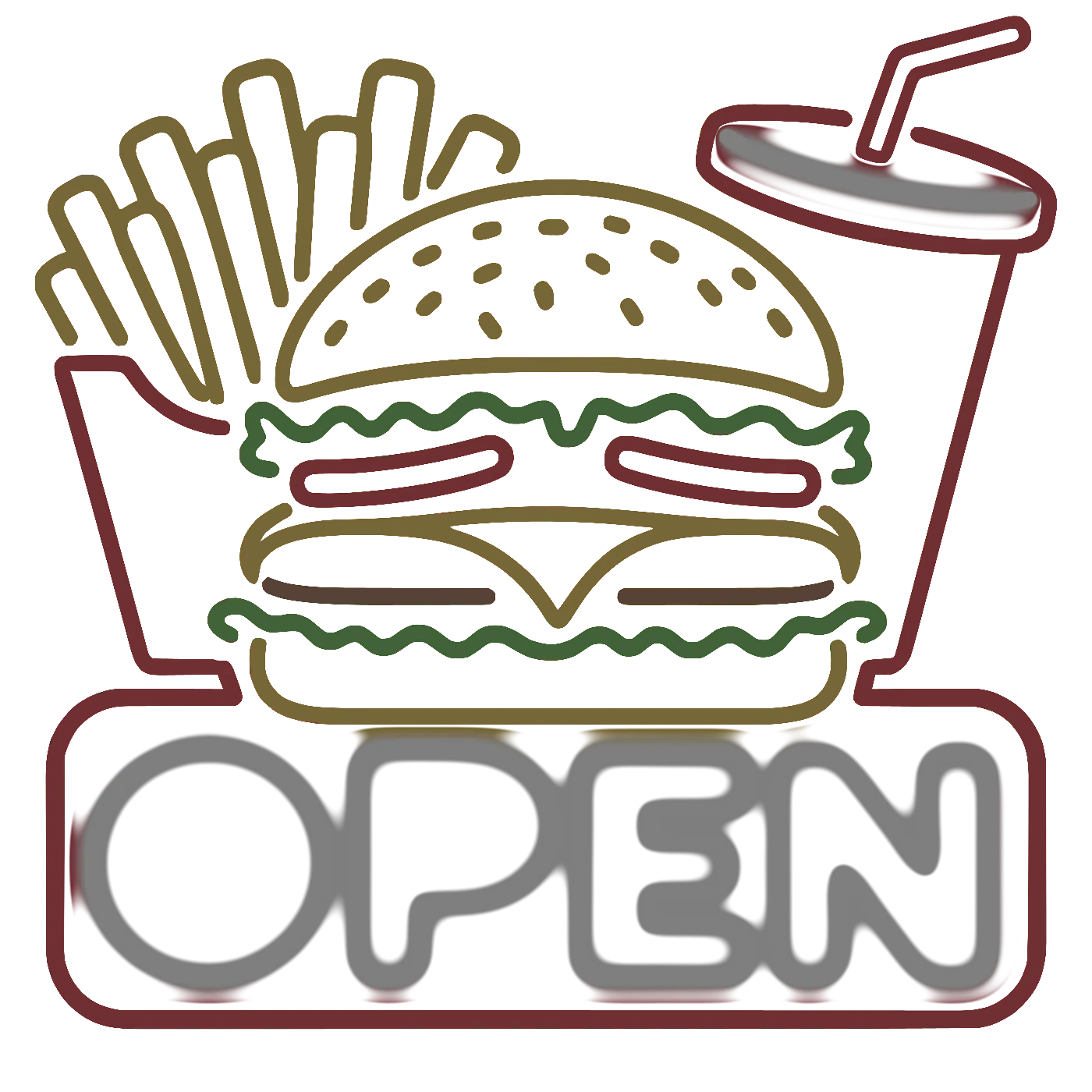
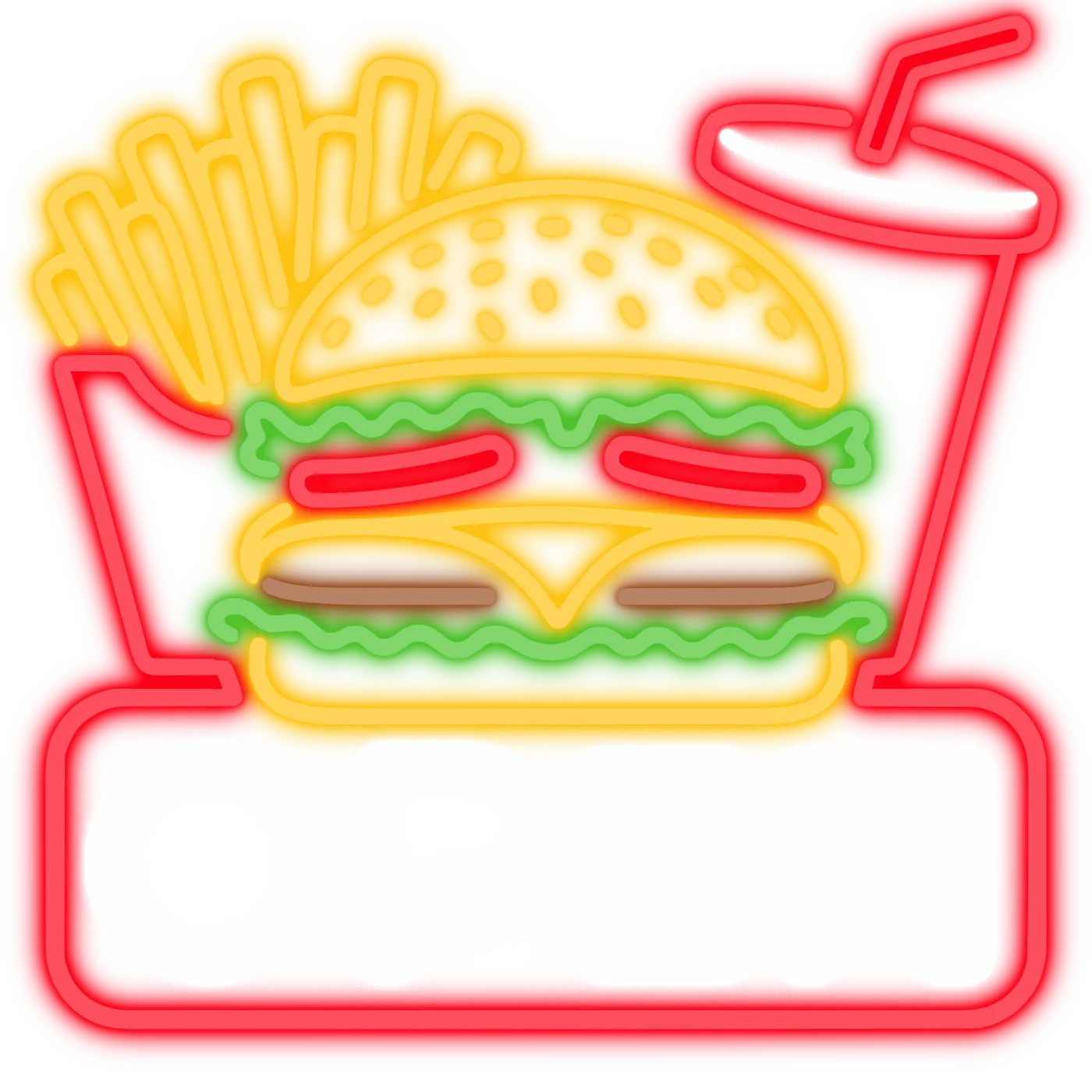
What V2 did for LED neon
Every sign type
Stray specks are removed before the file is made.
When a design cannot be made, your customer goes to your form with the image. AI Design Files shows you the reason.
The rules change with the sign type
Your sign shop
From an order
Each order email links to the SVG and the original logo. It also links to EPS and AI files if you turn them on.
Example order email for order 1042: an 80 cm yellow LED neon sign, cut to shape, with links to the SVG, EPS and AI files and to the original logo.
From a quote request
In Quote Mode, turn on "Auto-process uploaded images with AI". The quote email waits for the design and arrives with the SVG attached.
Example quote email for submission 318: the customer details, the uploaded logo and the AI processed design, with the SVG file attached.
Both routes
Designs from orders and from quote requests are in your admin, with their status and their orders. A refused design shows the reason.
AI Design Files
| Preview | Generated | Customiser | Status | Orders |
|---|---|---|---|---|
| Today, 10:41 | LED Neon | Delivered | #1042 | |
 | Today, 11:01 | LED Neon | Delivered | - |
| Yesterday | Metal Cut-Out | Refused | - |
LED NeonToday, 11:01Delivered-97 in 100 designs are ready to make.
Better
97%
V2 checks every design against the rules for its sign type before your customer sees it. 97 in 100 designs arrive ready for your sign shop.
Previous version → V2
68%to97%
A wait of up to 2 minutes for the previous version and 37 seconds for V2.
Faster
37 sec
We rebuilt the engine. Images no longer pass between separate cloud services, and tracing runs in-house. A design that could take up to 2 minutes now arrives in about 37 seconds.
Typical wait
2 minto37 s
The price per AI credit goes from $0.50 to $0.25, 50% less.
Cheaper
$0.25
AI credits now cost $0.25 each, half the old price. One credit pays for one delivered design, and a failed attempt costs nothing.
Price per AI credit
$0.50to$0.25
SignBench · AI sign design benchmark
SignBench is how we test the AI Sign Designer. We run the same set of images through each version and score every design it delivers.
Designs that failed a check
Lower is better
Previous version:31%
V2:0%
Designs with stray specks
Lower is better
Previous version:27%
V2:0%
Designs too thin to make
Lower is better
Previous version:7%
V2:0%
Ready to make first time
Higher is better
Previous version:68%
V2:97%
Sampled over ~100 images · Sept 2026
FAQ
AI credits cost $0.25 each. One credit pays for one delivered design, and a failed attempt uses no credit. Current plans also include free AI credits every month.
Your customer can try again with the same image or choose another one. A failed attempt uses no AI credit. When a design cannot be made, your customer goes to your form with the image. AI Design Files shows you the reason.
AI Sign Designer makes designs for LED neon, channel letter, cut-out metal, stencil and lightbox signs. Each design is checked against the rules for its sign type. The AI Sign Designer guide in the help centre shows which pricing models each sign type supports.
Your customer can upload a JPG, PNG, WebP, AVIF, SVG or PDF. A PDF can be up to 25 MB, and other files up to 5 MB. Very large images are resized before the design starts.
A design fails a check when your sign shop cannot make it. For example, a part is too thin at your widest size, or an outline of a cut-out metal design does not close. A design that fails is not delivered, and it uses no AI credit.
