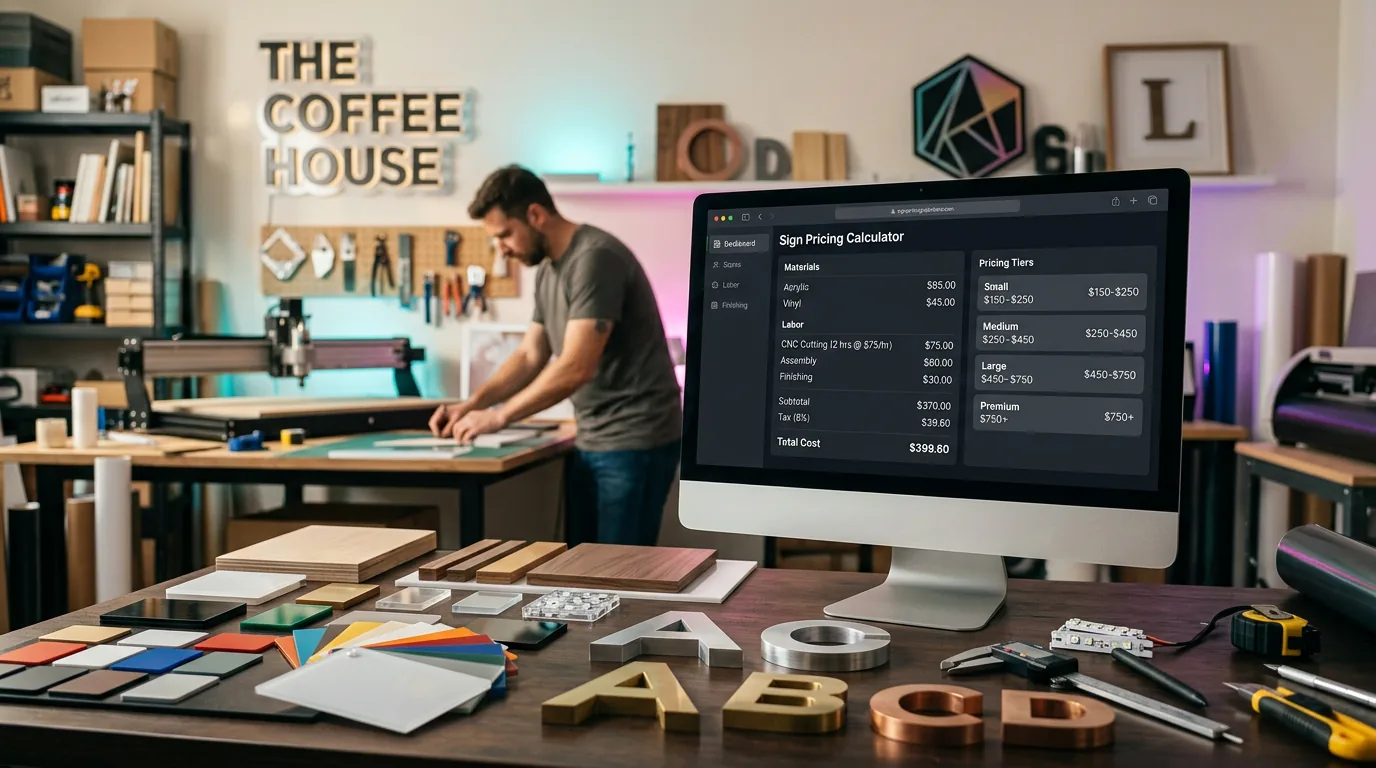
For staff-led sign estimating, shortlist shopVOX, SignTracker, GraphixCALC, EstiMate Desktop and Cyrious Control. For customers designing and pricing a sign on your website, consider Sign Customiser. Print Reach Midnight suits a print-production shortlist; Estimate Rocket and JobNimbus are contractor options to evaluate when site work and installation drive your quotes.
The best sign estimating software is the one that handles your actual jobs, including what happens after a customer accepts the price. Start with the costs and plan limits below, then use the demo checklist to test your shortlist.
How we compared: We reviewed public vendor pricing and product documentation on 15 October 2026. On 26 October 2026 we added GraphixCALC and rechecked the GraphixCALC, SignTracker, EstiMate Desktop, shopVOX and Sign Customiser prices. We publish Sign Customiser, which is included here. Recommendations are based on documented workflows; we have not run hands-on trials of any competing product. The order is not a score or ranking.
On this page: Small-shop picks · Prices · Workflow comparison · Nine tools · Demo checklist · Free options and FAQs
Best sign estimating software for small sign shops
For a small sign company, the right tool depends on who builds the quote and what happens after the customer accepts it. These are our picks by shop situation, with the lowest monthly-billed price we checked on 26 October 2026.
- One-person shop quoting by hand on one Windows PC: GraphixCALC. Desktop sign, banner and vehicle-wrap estimator with a job tracker and QuickBooks integration. From $19.99/month for one computer (GraphixCALC pricing).
- Shop that only wants faster quotes, not shop management: EstiMate Desktop Quoting Only. Process-specific pricing screens for vinyl, wide-format, wraps and dimensional work. $39/month for one simultaneous user; job tracking, invoicing and work orders need the $69 single-user plan (EstiMate pricing).
- One to five people who need quotes, job tracking and a shared calendar: SignTracker. Every plan has quoting and contracts, work orders, job management and QuickBooks integration. $65/month for 1–2 users or $129/month for 3–5 (SignTracker pricing).
- Shop that wants pricing tools, job management and online proofing from one vendor: shopVOX Express. US$109/month including one user, plus US$29/month for each extra user, with no onboarding fee (shopVOX pricing).
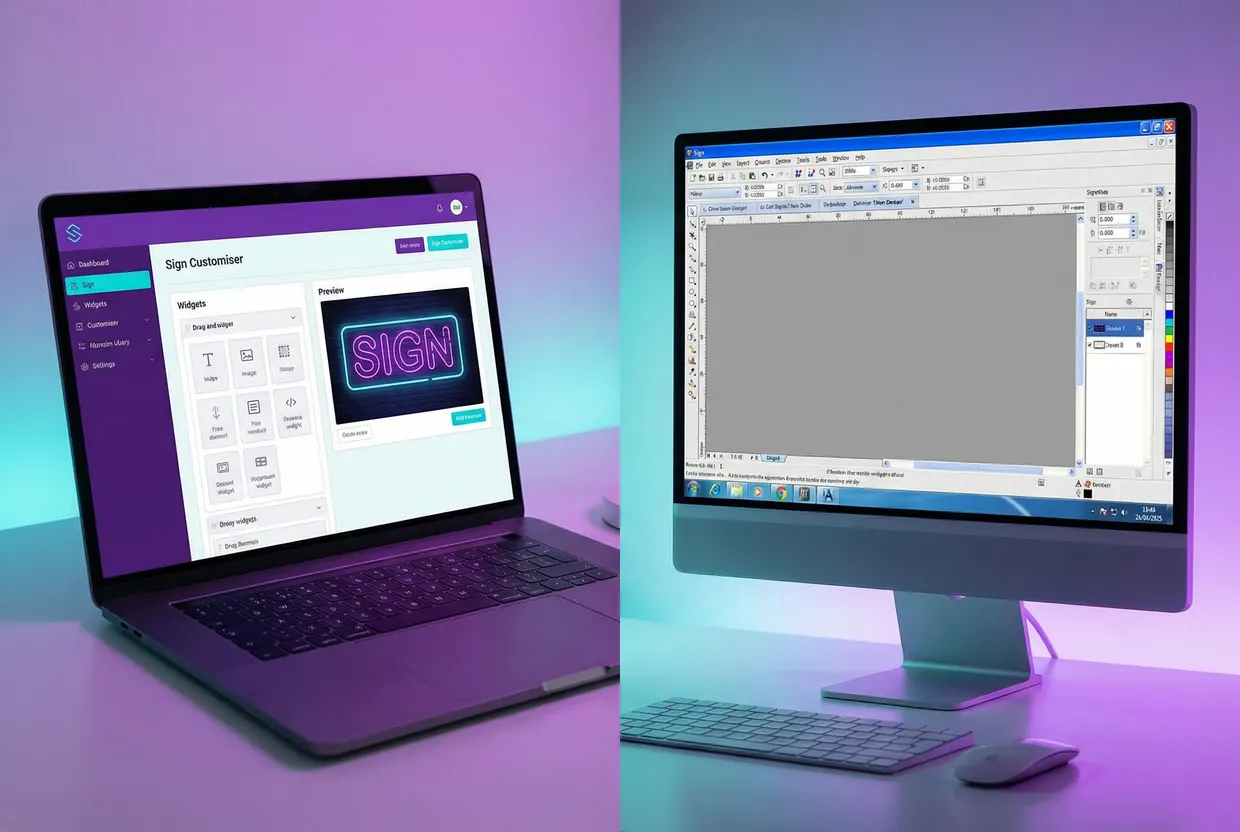
- Shop that sells signs online: Sign Customiser. Customers design a sign on your Shopify, WooCommerce or Wix store, or virtually any website through the Universal integration, and see the price from your rules. Depending on your platform and setup, they add it to the cart or, with Quote Mode, send a quote request; Quote Mode hides the price unless you turn on Show suggested price. From US$29/month for up to five sign orders in a rolling 30 days, with every feature on every plan (Sign Customiser pricing).
When Sign Customiser is the wrong pick: If your customers never buy online and your quotes are custom fabrication and installation jobs, you need a staff estimating tool, not a storefront customiser. Start with GraphixCALC on one Windows PC or EstiMate Desktop Quoting Only for low-cost quoting. When several people share quotes and jobs, compare SignTracker, GraphixCALC’s multi-computer plans and EstiMate’s all-feature plans. If you sell online and also quote installed work, you may need one of each.
Pricing comparison
These are published monthly prices, not discounted annual equivalents. Each source links to the vendor’s current terms. Dollar amounts follow the currency notation on that page; confirm your billing currency and tax before buying. Request a written quote where no public starting amount is listed.
| Software | Published monthly price | Included users or allowance | What to budget for |
|---|---|---|---|
| Sign Customiser | US$29–299 | Plan based on order volume; every feature on every plan | Your ecommerce platform and payment costs |
| shopVOX | Express US$109; PRO US$249 | One user | Extra full users US$29/49 respectively; PRO onboarding from US$499; optional add-ons |
| SignTracker | $65 / $129 / $189 | 1–2 / 3–5 / unlimited users | Choose the user band your team needs |
| Cyrious Control | Request a quote | Confirm in your proposal | Licences, implementation and required connections |
| Estimate Rocket | Launch $139 | Three full users | Extra full users $79 each on Launch; field users $10 each |
| JobNimbus | Request a quote | Confirm in your proposal | Access needed by office and field staff |
| Print Reach Midnight | Request a quote | Confirm in your proposal | Required modules, implementation and connections |
| EstiMate Desktop | Quoting Only $39; all-feature plans from $69 | One simultaneous user at either entry price | More simultaneous users; shop management is excluded from Quoting Only |
| GraphixCALC | Standard $19.99; Business $29.99; Premium $49.99; Volume $59.99 | 1 / 2 / 5 / 10 computers | Windows only; annual plans $200–600 |
A starting price does not give you a like-for-like comparison. Ask for the first-year total with your actual users, required integrations and onboarding included. Keep payment fees and your ecommerce subscription separate so you can see what the estimating software itself costs.
Compare tools by quoting workflow
First decide who creates the quote and which handoff you need. A customer opening a proposal is different from a customer configuring a sign and seeing its price change.
| Your main job | Shortlist to investigate | Demonstration to request |
|---|---|---|
| Build sign estimates in the office | shopVOX, SignTracker, GraphixCALC, EstiMate Desktop, Cyrious Control | Price your own materials, labour and quantities; revise the estimate |
| Carry accepted jobs through production | shopVOX, SignTracker, Cyrious Control, Midnight; EstiMate’s shop-management plans | Turn a quote into the work orders and production records you need |
| Sell configured signs online | Sign Customiser | Change the sign’s design and size, then inspect the cart or quote request |
| Quote installation and site work | Estimate Rocket, JobNimbus; also test your sign-specific shortlist | Include access, travel, labour and subcontractors; revise the scope |
This is a workflow shortlist, not a claim that other products lack a feature. For example, Cyrious also offers ecommerce. Ask each vendor to demonstrate the exact storefront or production connection you need.
9 sign estimating software options compared
1. Sign Customiser
Consider it when customers need to design and price signs on your store.
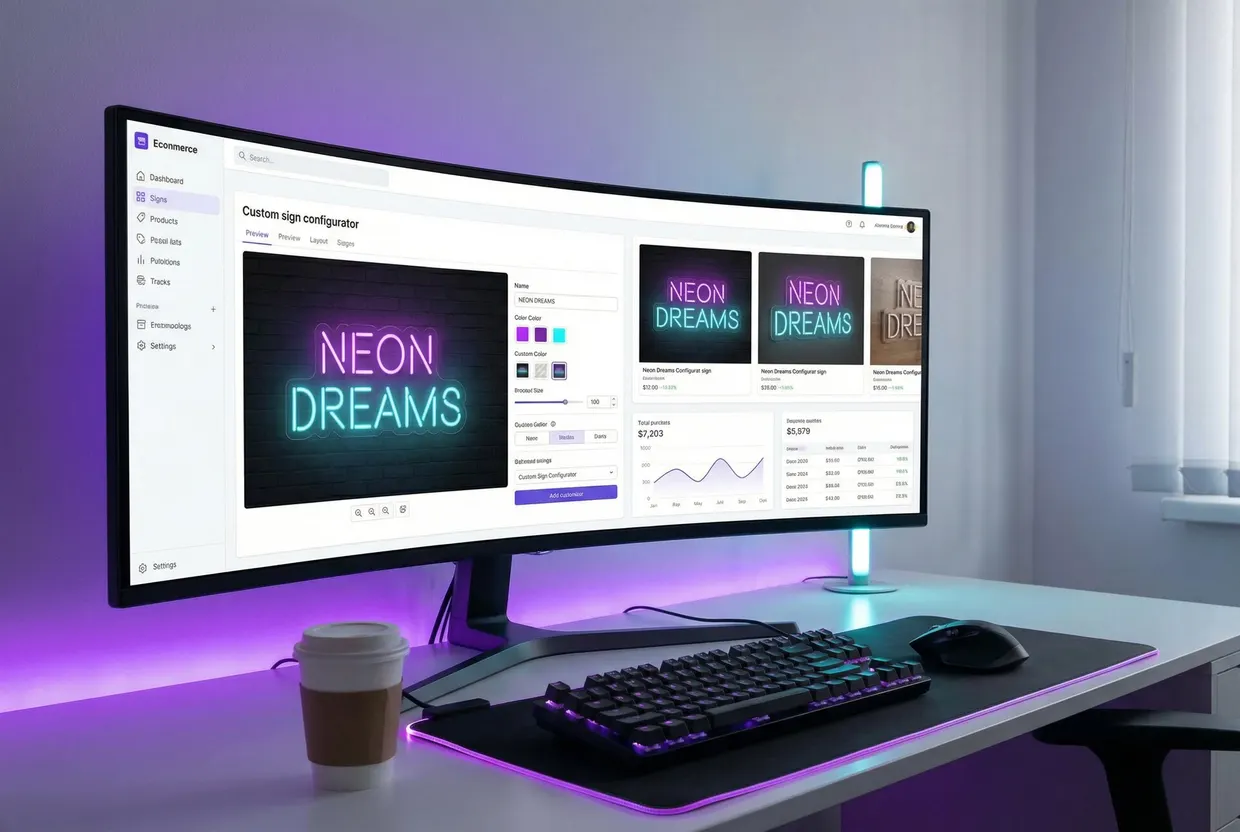
Sign Customiser lets shoppers choose a supported sign’s text, font, dimensions and options, with a selling price based on your configuration. You can offer checkout or collect the configured design through a quote request. Shopify and WooCommerce integrations support online sales.
The distinction is the price you are calculating. Sign Customiser applies your pricing rules; you still need to establish those rules from your costs and margin. If you need staff to build detailed fabrication estimates, manage inventory or schedule installation crews, evaluate the relevant shop-management tools alongside it.
Check in a demo: Change the font, size and mounting options on one of your products. Follow the design through to a cart or quote request and confirm the details your team receives.
How Sign Customiser calculates a sign’s price
You choose a pricing model for each customiser, and different products can use different models:
- Simple Letter prices by tier. The price is the character count multiplied by the per-letter price for the font’s tier and size, plus a base price for each line. It suits signs with predictable sizes.
- Advanced Letter prices by material length. The software measures the length of the letter paths in the chosen font, multiplies it by your price per centimetre and adds a base price. Suits LED neon, where tube length drives the cost, so a font whose letters have longer paths uses more material and costs more.
- Frame Fit prices by area. The price is the frame’s width multiplied by its height and your price per square centimetre, plus an optional base price, with no per-letter cost. It suits lightboxes and other framed signs.
Each option a shopper picks, such as a backboard, can add its own base price or apply a multiplier to the sign’s price. These rules calculate the selling price that the customer sees, and your team receives the configured design afterwards, with order details that can go to your manufacturer by email. Our guide to sign pricing models has worked examples, and how to price signs covers working out the costs and margin behind the numbers.
2. Shopvox
Consider it when quoting and production management need to share a system.
shopVOX serves sign, print and apparel shops with quoting and job-management workflows. Its pricing distinguishes Express from PRO, so compare the plan that includes the production features you need. The base subscription includes one user; a team quote should include the extra seats and any add-ons.
Check in a demo: Use a product you sell repeatedly, revise its material cost, then follow an accepted quote into production. Ask the vendor to name the plan and add-ons used in the demonstration.
For the distinction between internal shop operations and online customer pricing, see our shopVOX comparison.
3. SignTracker
Consider it for sign and wrap shop quoting, job management and team coordination.
SignTracker’s plans include quoting, contracts, job and contact management, a shared calendar and QuickBooks integration. Every plan includes the features; the monthly tiers above differ by user band.
Check in a demo: Create a quote from one of your existing jobs, assign the work, and check how the next person finds the approved specification. Confirm the accounting handoff with your own QuickBooks setup.
4. Cyrious control
Consider it when estimating needs to connect to job costs, inventory and purchasing.
Cyrious Control documents estimating, actual job-cost tracking, work orders, inventory, purchasing and invoicing for sign and graphics businesses. Its pricing options include area, cost-plus, table and custom formulas. Request pricing for your operation rather than assuming a fixed enterprise subscription.
Check in a demo: Start with a sign that combines fabrication and installation. Inspect the estimated costs, bill of materials and work order, then ask how actual costs are recorded against that job.
5. Estimate Rocket
Consider it for service proposals and crew-based work.
Estimate Rocket combines estimates, interactive proposals, crew scheduling, job tracking and invoicing. Launch includes three full users. Accelerate is $259/month for seven full users; Expand is $359/month for fifteen. Additional full users cost $79, $39 or $19/month respectively, so compare the plans at your actual team size. Mobile access uses a web app, so test the tasks your crew needs on its actual phones and connection.
Check in a demo: Build an installation proposal with labour, access equipment and subcontracted work. Revise one item, approve the proposal, and check the schedule and invoice. Ask how you would configure any fabrication calculations you also need.
6. JobNimbus
Consider it when contractor sales and project coordination dominate the work.
JobNimbus offers a contractor CRM with estimates, project boards, mobile access, invoicing and QuickBooks integration. Request a quote for the people and features your team needs.
Check in a demo: Move a site enquiry through an estimate and into the project board. Have a field user update it from a phone. If you fabricate signs, also request a demonstration of your production workflow before choosing a contractor-focused system.
7. Print Reach midnight
Consider it when print production is central to your sign business.
Midnight is Print Reach’s management information system for print and mail businesses. Its standard-services documentation covers estimating setup, including wide-format work. Print Reach supplies tailored pricing.
Check in a demo: Quote a printed rigid sign with substrate, printing, finishing and delivery. Inspect the production and invoice handoff. Bring any dimensional or illuminated work you sell too, so you can see whether it needs a separate estimating process.
8. EstiMate desktop
Consider it for Windows-based estimating with process-specific pricing screens.
EstiMate Desktop has process-specific pricing screens for work such as vinyl signs, wide-format printing, vehicle wraps and dimensional items. Quotes can be exported as PDF or Excel files.
Its Quoting Only plan excludes job tracking, invoicing, purchase orders and work orders. All-feature plans start at $69/month for one simultaneous user; $119 covers three and $139 covers unlimited simultaneous users. Named accounts and installations are unlimited: concurrent access determines the plan.
Check in a demo: Price a job using the screen for your production method, then test quantity changes and minimum charges. If you need job management, trial the plan that includes it.
9. GraphixCALC
Consider it for low-cost desktop estimating on Windows.
GraphixCALC Sign Estimator prices typical signs, banners, lighted and routered signs, post and panel, magnetics and vehicle wraps. Its home page also lists a job tracker, a workflow tracker, a substrate calculator, a calendar and native QuickBooks integration. Its features page says the integration needs a locally installed copy of QuickBooks.
Its plans differ by the number of computers: $19.99/month for one, $29.99 for two, $49.99 for five and $59.99 for ten, or $200–600 a year. It runs on Windows 7 or later only. If Microsoft Office or Access is installed, it must be the 32-bit version. Its pricing page says to install the program on a local computer, not a server or external drive, and to sync data between computers through a server or the cloud.
Check in a demo: Download the free trial on the computer you will use. Price a banner and a lighted sign from your own costs, then move one into the job tracker and check the QuickBooks handoff.
What to look for in sign estimating software
Give each shortlisted vendor the same brief and your own approved cost sheet. Use these three jobs to expose different requirements; they are suggested demo exercises, not tests we have already performed.
A personalised sign sold online
Bring the text, two font choices, two sizes and your mounting options. Change each selection and check the selling price against your expected result. Complete the checkout or quote-request path. Confirm that the design, dimensions and selected options reach your team together.
This tests the customer-pricing workflow. It does not prove that the system can cost a site survey or manage production.
A batch of printed rigid signs
Bring sheet dimensions, substrate costs, print and laminate costs, waste allowance, setup time and finishing rates. Ask for quantities of one and twenty. Check how the estimator handles setup costs, minimum charges and units. Confirm whether the price uses markup or target margin, then compare the customer quote with the internal job instructions.
Use your own cost and target-margin calculation as a cross-check. A matching total is useful only if you can also explain how it was calculated.
An installed illuminated shopfront sign
Bring fabrication costs, electrical components, labour, travel, access equipment and subcontractor allowances. Keep unknown site costs visible. Change an installation assumption after the initial quote and inspect how the revision is recorded.
Then follow the accepted scope into the next step your business needs: work orders, purchasing, scheduling or invoicing. Record anything your team must re-enter. A missing handoff can matter more than a cheaper subscription.
Before subscribing, ask each vendor for a written plan quote and a demonstration of data export. Choose the tool that reproduces your expected price and carries the approved specification into the work your team actually does.
Frequently asked questions
What is the best sign estimating software for a small sign shop?
For a small shop that quotes by hand, low-cost options include GraphixCALC ($19.99/month for one Windows computer, $49.99 for up to five), EstiMate Desktop ($39/month for one user, quoting only; $119/month for three simultaneous users with all features) and SignTracker ($65/month for 1–2 users, $129/month for 3–5). If your customers buy signs online, Sign Customiser (from US$29/month) lets them design a sign on your store and either see a price from your rules or send a quote request. Choose by who builds the quote: your staff or your customer.
What is sign estimating software?
Sign estimating software helps a sign business turn job specifications and configured costs into a quote. Staff estimating tools can account for materials, labour and production processes. Customer-facing tools let shoppers configure a sign and see a selling price based on the shop’s rules. Check which workflow you need before comparing plans.
Is there free sign estimating software?
For an occasional estimate, you can use a spreadsheet or Sign Customiser’s free sign pricing calculator with your own costs. A calculator does not replace a system for saved quotes, approvals and job tracking. SignPricer also offers a free beta calculator for one estimate at a time. Sign Customiser’s paid customiser plans start at US$29/month with a seven-day trial.
Can customers get a sign quote on my website?
Yes. Sign Customiser lets customers configure supported sign products and see prices based on your settings. It supports Shopify and WooCommerce, where customers can add their configured sign to the cart or send a quote request. Check the design, price and selected options through your chosen workflow before launch.
If online customer pricing is your priority, try Sign Customiser free for seven days. Use the sign shop management guide to see where it fits alongside shop-management tools and to prepare your shortlist.