


What is a Customiser Link?
A Customiser Link is a unique URL for each of your customisers, hosted on our domain. This eliminates the need to set up a website, making it the fastest and easiest way to integrate our app into your business. Add the URL to a button on your website, social profile, email signature, or an Etsy listing description so customers can design and submit their order without ever leaving the link.
Quote Mode customisers are Customiser Link-compatible. When the Etsy integration is enabled, every customiser in your store can use a Customiser Link.
Option A: Use Quote Mode
Use Quote Mode if you want customer designs delivered to your inbox so you can quote and invoice manually.
- Set up a Quote Mode form with the necessary fields for your users.
- Follow our Add and Edit Custom Form Field Options guide to create the form.
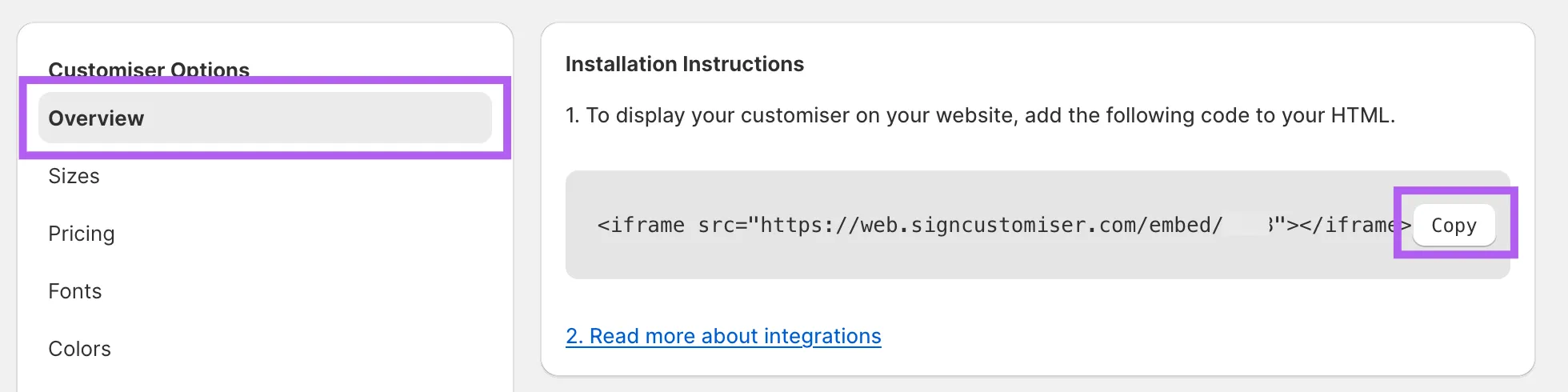
- Enable Quote Mode on the customiser and select your form. See the Quote Mode Guide for detailed instructions.
Option B: Use the Etsy integration
Use the Etsy integration if your orders live on Etsy. Customers design on your Customiser Link, copy a structured summary, and paste it into the Etsy personalisation box at checkout.
- Open Integrations and connect Etsy.
- Open Etsy listing settings on any customiser to add an optional Etsy listing URL and choose whether to show the price.
- See Add your Customiser Link to an Etsy listing for the listing-side steps.
Enable your Customiser Link
-
Navigate to the Sign Customiser Admin for your store.
- Universal users: Go to Home in your account.
- Shopify users: Find it in the frontpage of the Sign Customiser’s app settings.
-
If you completed Option A or Option B above, your customiser will be visible under the Compatible Customisers section with a unique URL.
- If you don’t see your customiser, enable Quote Mode on it or connect Etsy in Integrations.
-
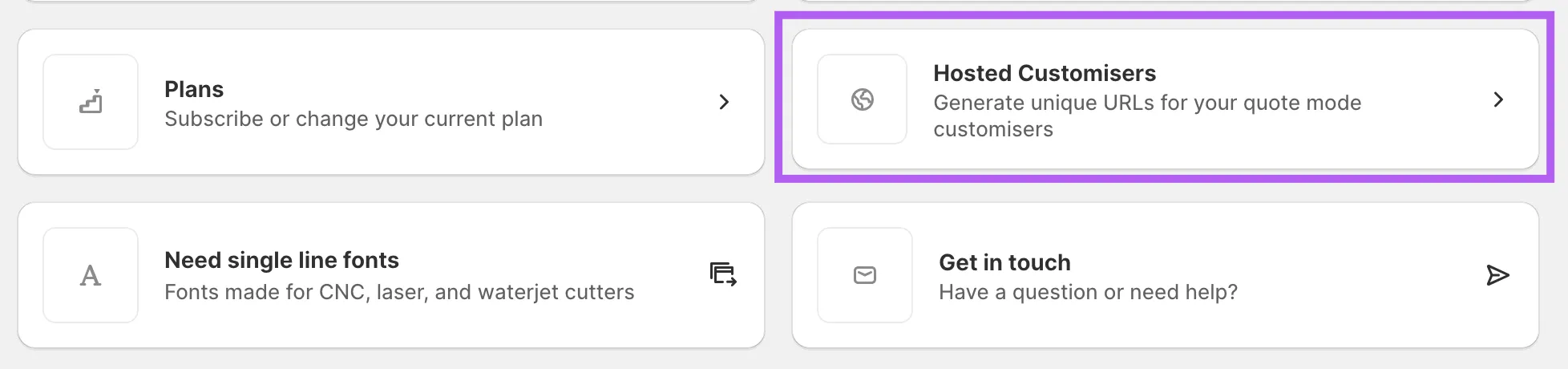
Click on Customiser Links.
-
Check the box labeled Enable Customiser Link.
-
(Optional) Enter a Return URL to redirect users back to your store when they click “Back to Store.”
-
(Optional) Adjust the Navigation Color to match your brand.
-
(Optional) Upload a Logo that will display in the navigation on your Customiser Link page.
-
Click Save.
Your Customiser Link is now ready to use. Copy the URL and place it wherever you want — on your website, social media profiles, an Etsy listing description, or anywhere else online.
