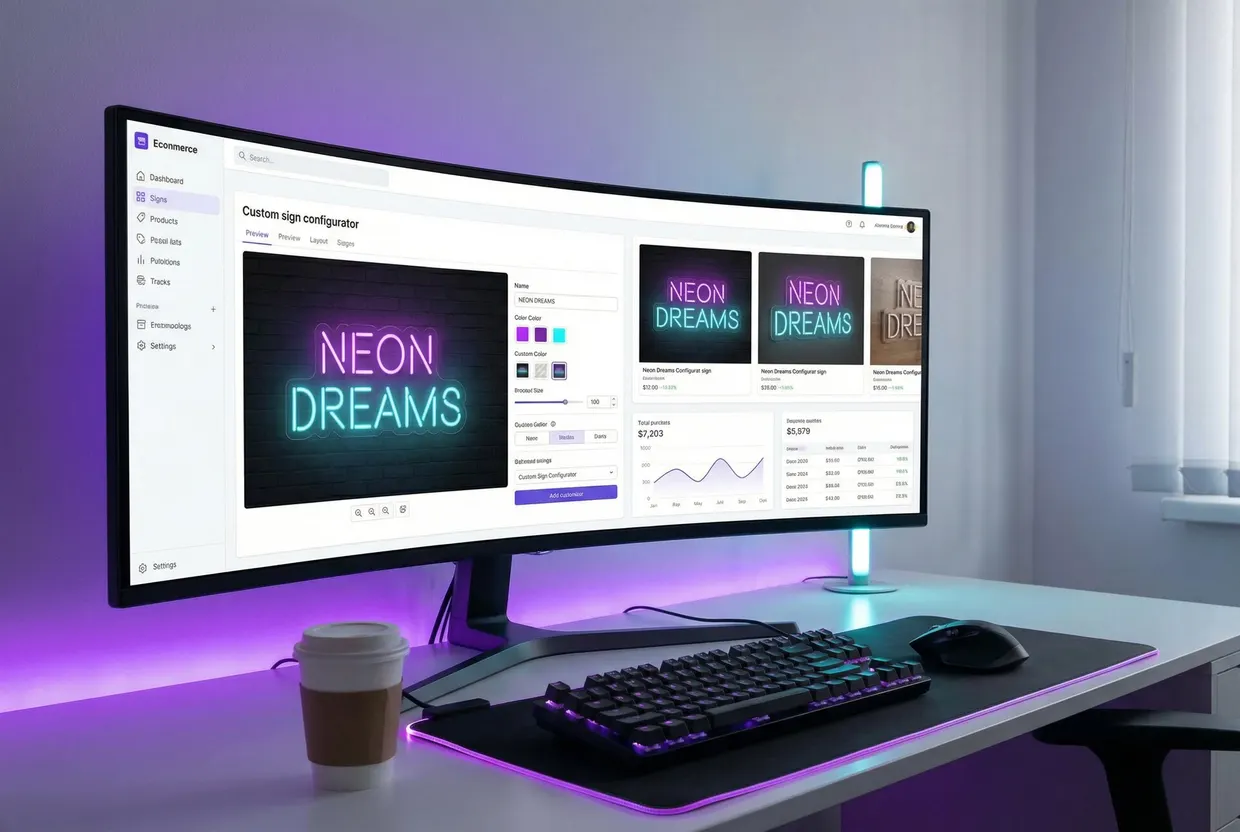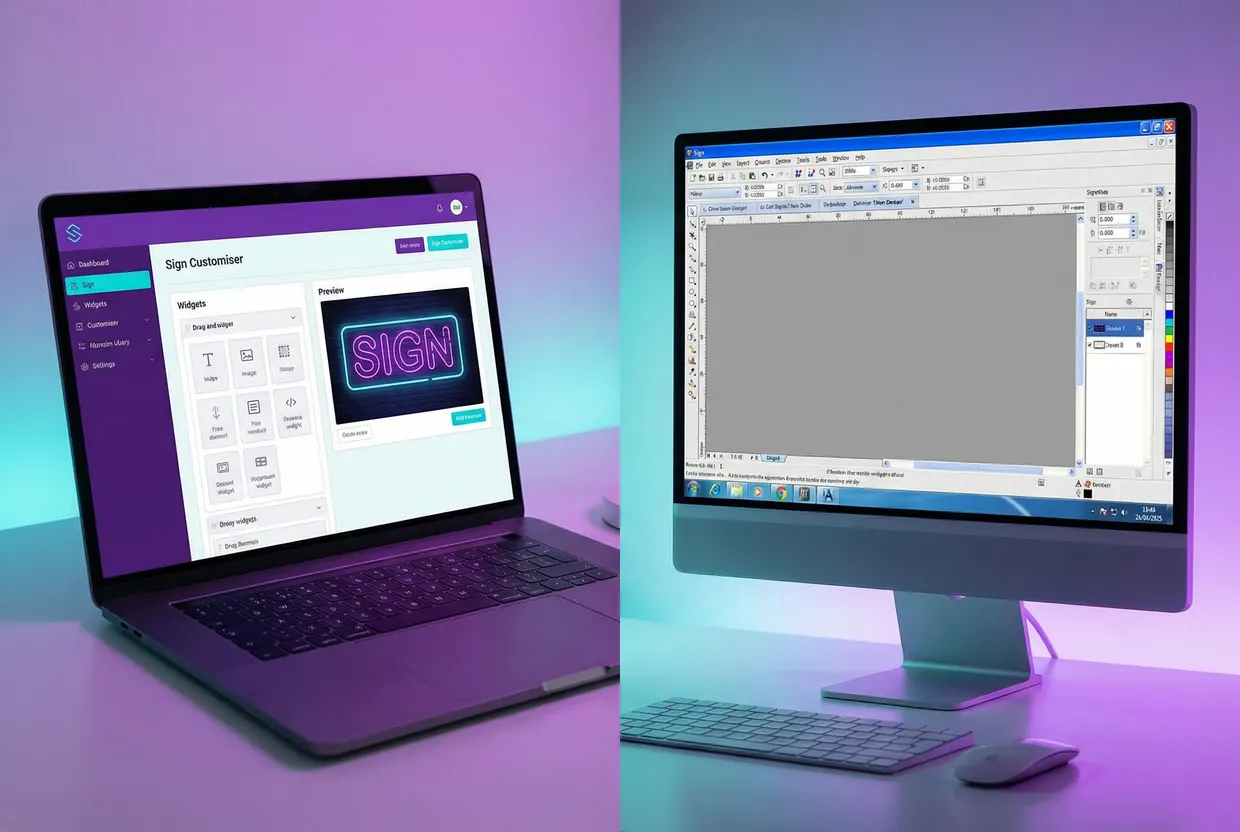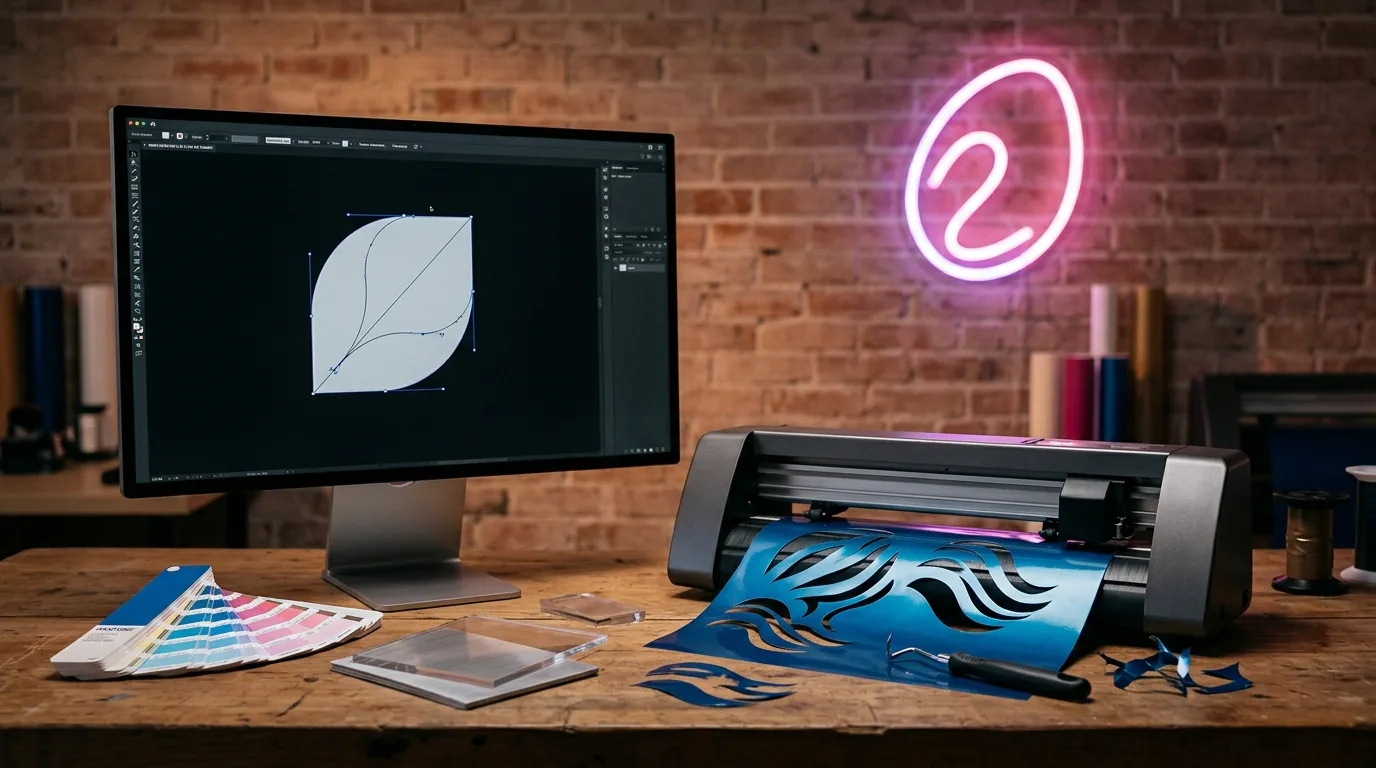
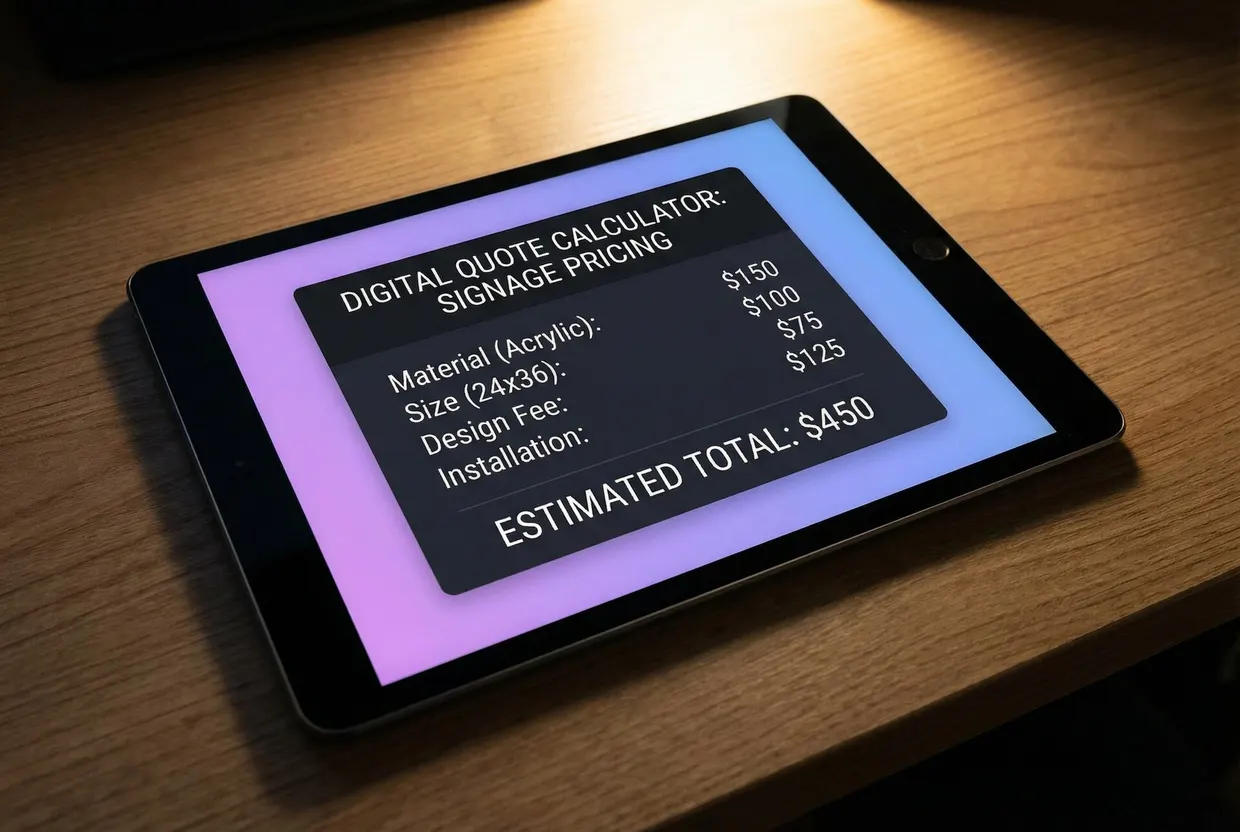
To stop emailing sign quotes back and forth, put a sign customiser on your website that calculates the price while the customer designs. Sign Customiser shows the customer a live preview of their sign and its price; on Shopify, WooCommerce and Wix they add it to the cart, and on Squarespace, Webflow and other sites, with Quote Mode on, they send you the design as a quote request. SwiftSignQuote suits CNC and print shops that price from machine time and material nesting, and a calculator builder such as Calconic suits a few simple products priced by a formula.
How we compared: We read each vendor’s public pricing and product pages on 26 October 2026. We publish Sign Customiser. We have not run hands-on trials of the other products, so check the details in a demo. For staff-led estimating and shop management tools, see our sign quoting software comparison.
Instant sign price options compared
| Sign Customiser | SwiftSignQuote | Calconic (calculator builder) | Manual quote form | |
|---|---|---|---|---|
| What the customer sees | Their sign’s text, font, colour and size in a live preview, with the price updating as they change it | A pricing calculator embedded in your pages (Professional plan and above); customers can upload artwork, which it checks for DPI, dimensions and file format | A calculator you build from fields and formulas; it shows your formula’s result | A form, and no price until you reply |
| Sign-specific pricing | Yes: per letter by font tier and size, by the material length of the letters, or by the sign’s width and height, plus price changes for each option | Yes: prices from material nesting, machine time, labour and waste | No: you write the formulas yourself | You work out each price by hand |
| Design preview | Yes, live, as the customer designs | Previews of uploaded artwork with cut lines; no live text or font preview described | No live sign preview described; paid plans add an Images element | None |
| Cart/checkout handoff | Adds the configured sign to the Shopify, WooCommerce or Wix cart, or sends a quote request in Quote Mode; each order can email you or your manufacturer | Checkout and Stripe payments on your site on the Professional plan and above; the Starter plan is “Not embeddable on website” | Shopify Add to cart at the calculated price through Calconic’s Shopify app (not Buy it now); PayPal payments and order forms on paid plans | Emails, then an invoice |
| Starting price | US$29/month (Seed plan); 7-day free trial if you have never subscribed; no free plan | Not published; monthly subscription in AUD; book a demo | Free plan with 500 impressions a month; paid plans from $5 a month billed annually, excluding VAT | Free, or the form tool you already pay for |
Sources, opened 26 October 2026: Sign Customiser pricing; SwiftSignQuote home, pricing and features; Calconic pricing and Shopify checkout guide. ConvertCalculator is a similar builder to Calconic: its pricing page lists a free plan up to 100 visits a month and a US$40/month Pro plan for lead generation, product configuration and quote forms.
Which option fits your shop
- Sign Customiser fits when customers design lettered or logo signs (LED neon, channel letters, lightboxes, wood, metal cut-out, stencil and more) and need to see the sign before they pay. Sign Customiser does not make or ship signs: you or your manufacturer do.
- SwiftSignQuote is the better choice when you run CNC or wide-format work and want prices built from nesting, machine time and waste, a B2B trade portal, or a done-for-you setup. Its subscription is billed in AUD and the price is not published, so book a demo for a figure.
- A calculator builder is the better choice when you sell a few simple products with one formula, such as a banner priced by square metre, and do not need a preview of the customer’s text. Calconic’s free plan is a cheap way to test whether your customers use an online price at all.
- A manual quote form is the better choice for installed signs and bespoke builds where the price depends on a site visit or an engineer’s check.
Why an instant price replaces the quote email
An emailed quote needs a round trip before the customer knows the price: they describe the sign, you ask about font, size and colour, they reply, you calculate and send. Each step waits on an inbox.
An instant price moves the calculation to the moment the customer makes a choice. Your rules run on every change, so the customer can try a bigger size or another font and see the cost. Standard signs go straight to the cart, so you can keep personal quoting for the jobs that need it.
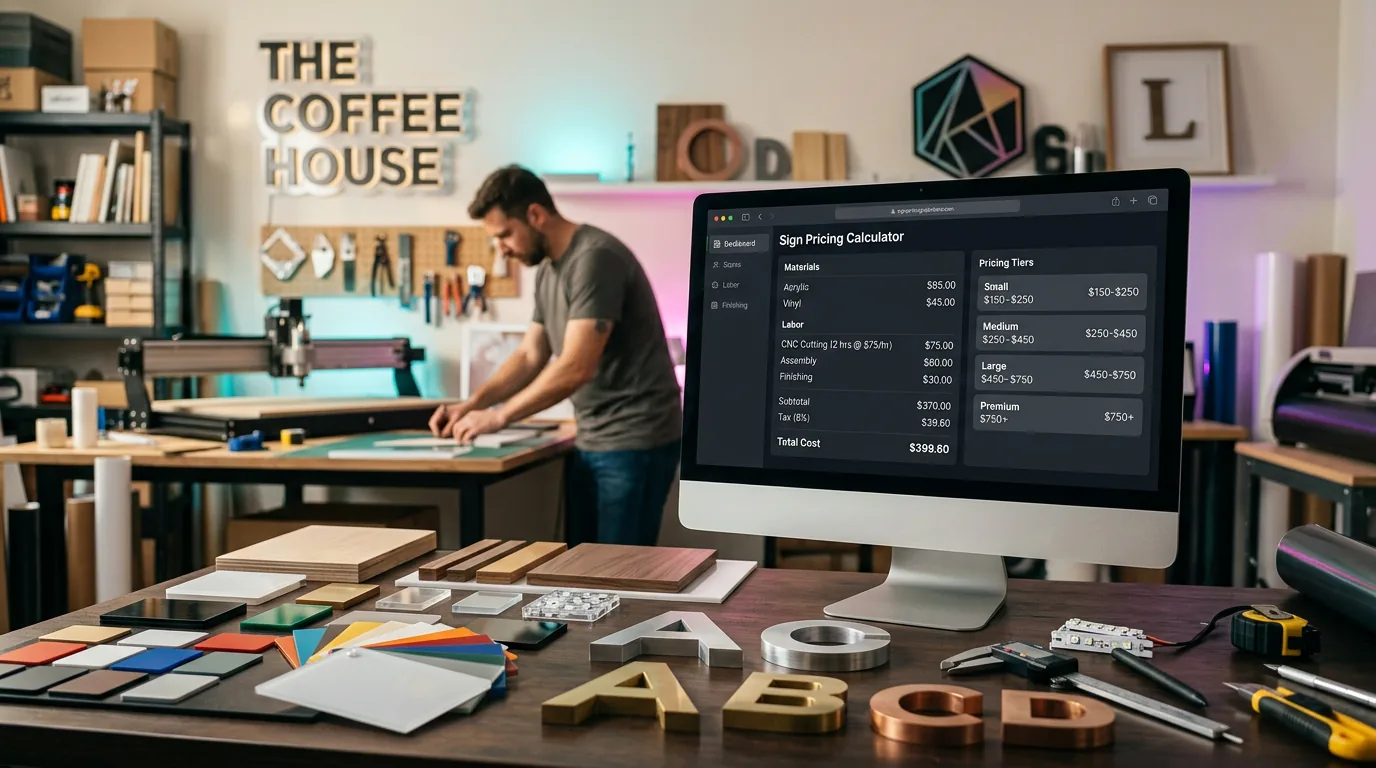
The price is only as good as your rules. Before you switch it on, work out your costs and markup, or try the numbers in our sign cost calculator.
How instant pricing works in Sign Customiser
A live price while the customer designs
The customer types their text, picks a font, colour and size, and adds options such as a backboard. The preview and the price update with each change. Sizes show in centimetres or inches.
Three pricing models for different signs
You choose a pricing model for each customiser:
- Simple Letter charges per letter, using a price for each font tier and size, plus a base price for each line. It suits signs sold in set sizes. You can also charge a different price for each letter position.
- Advanced Letter can price each letter by the material it needs. With Letter Material Cost, it measures each letter’s outline in the chosen font, takes half of that length as the centreline path and multiplies it by your price per centimetre, on top of an optional start price for the size. It can also charge a fixed cost per letter. Use material pricing when the length of material in the letters drives your cost: a looping script font costs more than a compact one.
- Frame Fit prices the sign from its width and height. You can set a start price for each size boundary, the customer’s options add to it, and there is no per-letter charge. It suits lightboxes, metal cut-out, aluminium plate and wood frame signs. For the build itself, see how to make a lightbox sign.
Each option the customer picks can add a base price or apply a price multiplier, and a backboard can carry a price per square centimetre or square inch of the sign (except on Frame Fit, metal cut-out and stencil signs). Our guide to sign pricing models has worked examples.
Quote mode for jobs a person must check
Some signs need a check before you accept the order: installation, shipping, feasibility or a bespoke detail. Quote Mode replaces add to cart with a quote form. The customer still designs the sign in the live preview, then sends it to you. They do not pay at this point.
The price is hidden by default. Turn on Show suggested price to show it to the customer. Each request is saved under Quotes in your admin, where Download Quote saves it as a PDF, and your inbox gets the customer’s answers, the selected options and the preview images. You confirm the final price and invoice the customer through your usual process.
Orders reach you or your manufacturer ready to make
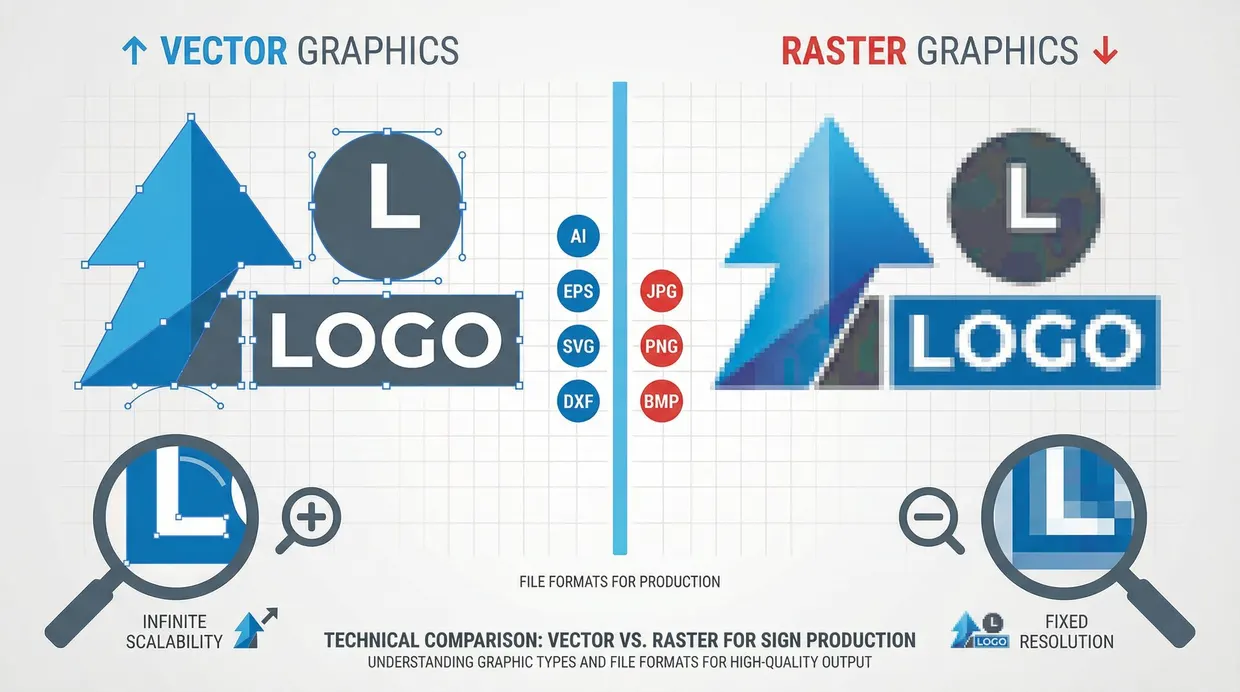
In the normal sales flow on Shopify, WooCommerce or Wix, the customer adds the configured sign to the cart and pays through your store. Each order can then send you, or a manufacturer you choose, an email with the details needed to build and ship the sign. You can also turn on SVG, EPS and AI file export for each customiser (except lightbox customisers), for CNC machines or Illustrator.
On supported sign types, customers who start from an image, such as a logo, can use the AI Sign Designer. It turns the image into a manufacturable sign design that opens in your customiser with a live price.
Set up instant sign quotes on your website
- Pick your best-selling sign. Start with the product you quote most often.
- Choose the pricing model that matches how that sign costs you to make: per letter, by material length or by width and height.
- Enter your prices from your real costs and margin, then test them against a few recent quotes you sent by hand.
- Add the customiser to your store. Shopify, WooCommerce and Wix support add to cart. On Squarespace, Webflow, WordPress without WooCommerce and other websites, turn on Quote Mode so customers send a quote request. Add to cart on Squarespace and Webflow needs a custom implementation. With no website, a hosted Customiser Link works with Quote Mode.
- Decide: checkout or quote. Use checkout for standard signs and Quote Mode for signs a person must check.
- Place a test order and read the order email your team or manufacturer receives.
Every plan includes every feature, and plans differ only by order volume. Stores that have never subscribed get a 7-day free trial.
Frequently asked questions
What is an online sign quote calculator?
It is a tool on your website that works out a sign’s price from the customer’s choices, such as text, size and material, using rules you set. A sign customiser also shows the customer a preview of the sign as they design it, so they see what they are paying for.
Can customers see a sign price on my website without contacting me?
Yes. With Sign Customiser, the customer designs the sign and sees its price update live. They can then add it to the cart on Shopify, WooCommerce or Wix. If you prefer to check jobs first, Quote Mode collects the design as a quote request instead.
Can I hide the price and still take the design?
Yes. Quote Mode hides the price by default. The customer designs the sign and submits a form, and you receive the design, the selected options and the preview images. Turn on Show suggested price if you want the customer to see it.
Is there a free instant sign quote tool?
Calconic has a free plan with 500 impressions a month, and ConvertCalculator is free up to 100 visits a month, but you set up the formulas (ConvertCalculator offers setup help and a paid Concierge build). Calconic describes no live sign preview. ConvertCalculator’s Layered images feature shows a configured product from image layers you prepare; it is listed on the Platinum plan, and its free plan includes Platinum features up to 100 visits a month. Sign Customiser has no free plan; paid plans start at US$29/month, stores that have never subscribed get a 7-day free trial, and Shopify development stores can use it free.
How do I price neon signs automatically by letter length?
Use a model that measures the letters. In Sign Customiser, choose the Advanced Letter model with Letter Material Cost. It estimates each letter’s centreline path in the chosen font, multiplies it by your price per centimetre and adds any start price you set for the size, so script fonts with longer paths cost more.
What is the difference between instant pricing and sign estimating software?
Instant pricing tools show the customer a price on your website. Estimating software helps your staff build quotes and manage jobs in the office. Our sign estimating software comparison covers the staff-side tools.