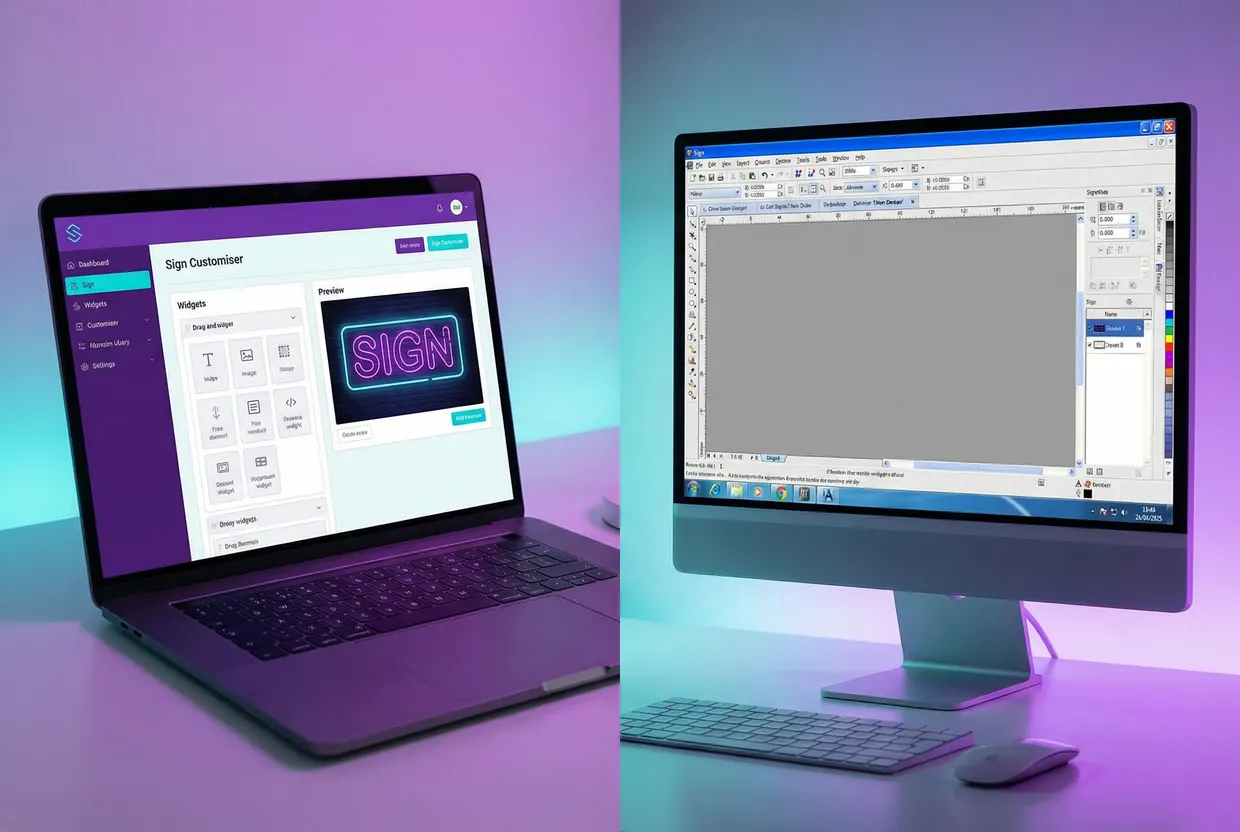
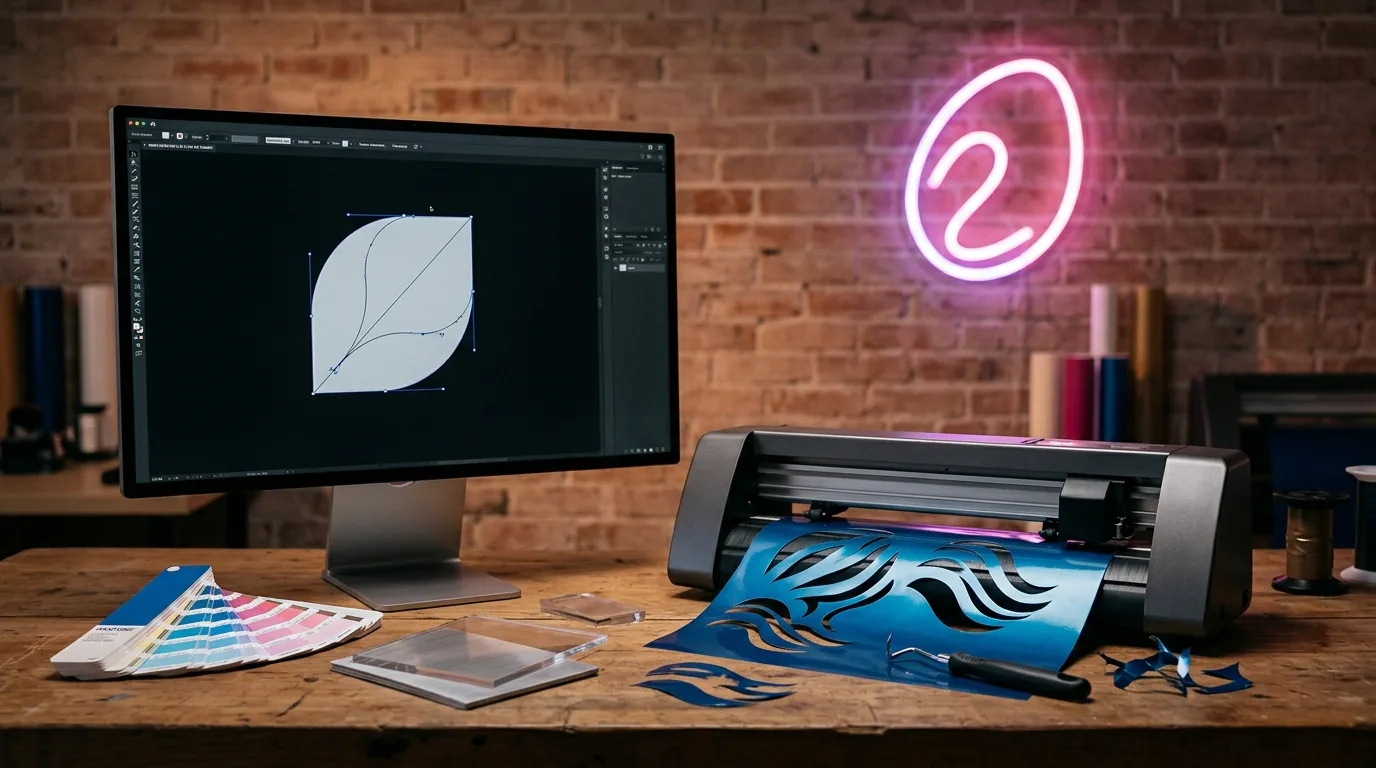
Sign making software does three jobs: design and layout, driving cutters and printers, and selling signs online. For design, most shops use CorelDRAW or Adobe Illustrator, or the free Affinity and Inkscape. For machine output, they use SAi Flexi, SignLab, EasySIGN or the cutter maker’s plug-in. Shops that sell online add a customer-facing customiser.
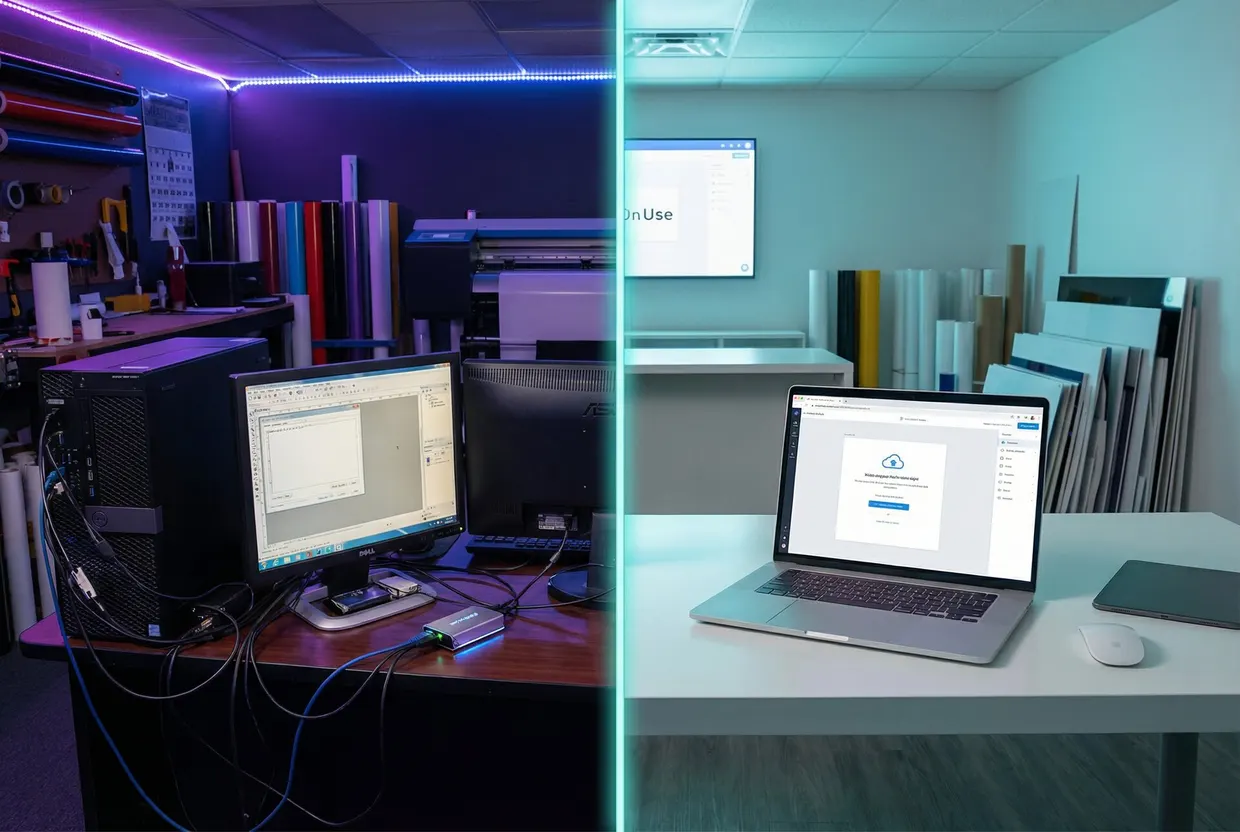
Each job is priced and sold differently, and lists such as Guideflow’s put design, cutting and online tools in one ranking. A design suite can’t take a neon order from your website at 11pm. A website customiser can’t run your plotter.
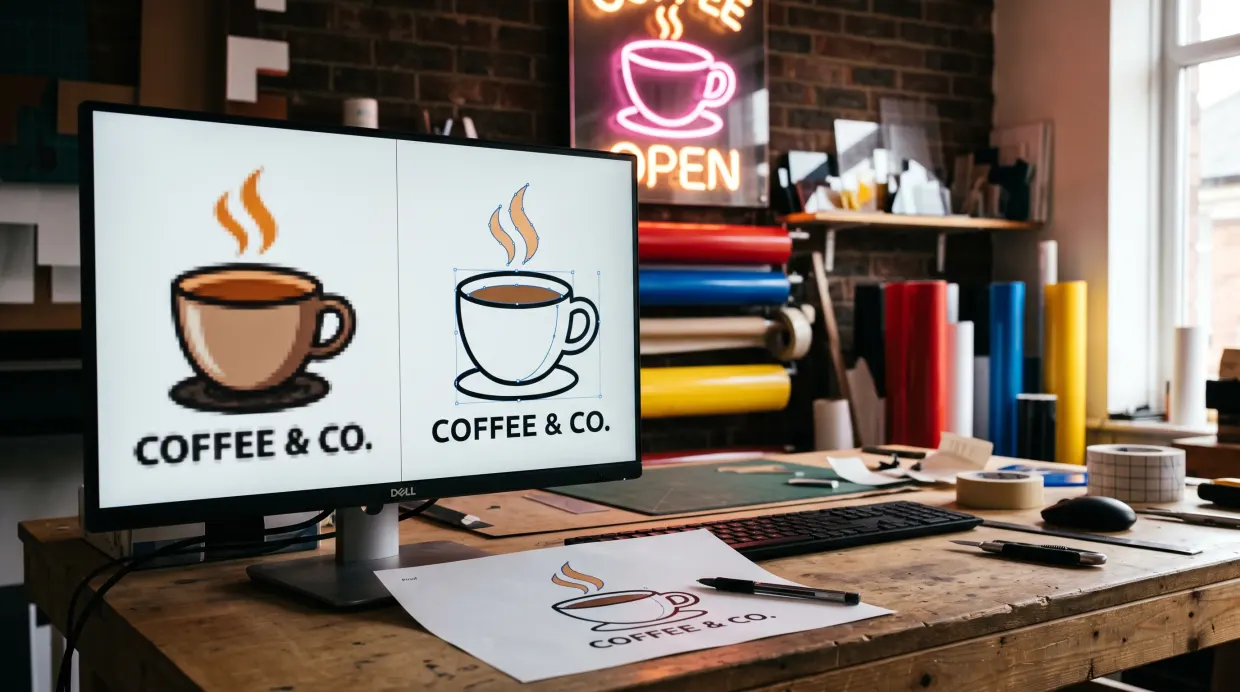
Pick the design tool with your customers’ files in mind. Sign Customiser’s count of 17,076 artwork files that customers attached to sign design and quote requests, from 29 September 2025 to 28 September 2026, found that 90% were PNG or JPG images. Tracing raster logos into vectors is everyday work, so test it before you buy.
We make Sign Customiser, which belongs to the third group. It appears only in that group, marked as ours.
How we picked and checked. We chose the tools sign makers name in Signs101 threads and the tools that rank for sign software searches, then grouped them by job. The order within each group isn’t a ranking; the selling-online group runs from the lowest starting price. We read every price on the vendor’s own site, or the named seller where the vendor doesn’t publish one, on 29 September 2026. Prices are list prices before tax and before promotions, in US dollars unless the vendor only shows another currency. We left out VinylMaster because its vendor site didn’t load during our check, so we couldn’t confirm its prices. Vendors change prices often, so check the linked page before you buy.
On this page:
- The three jobs sign software does
- 90% of customer artwork arrives as PNG or JPG
- Sign making software compared
- Design and layout software
- Cutting, printing and RIP software
- Software for selling custom signs online
- What sign makers say they run
- What not to use for production
- How to choose
- Frequently asked questions
The three jobs sign software does
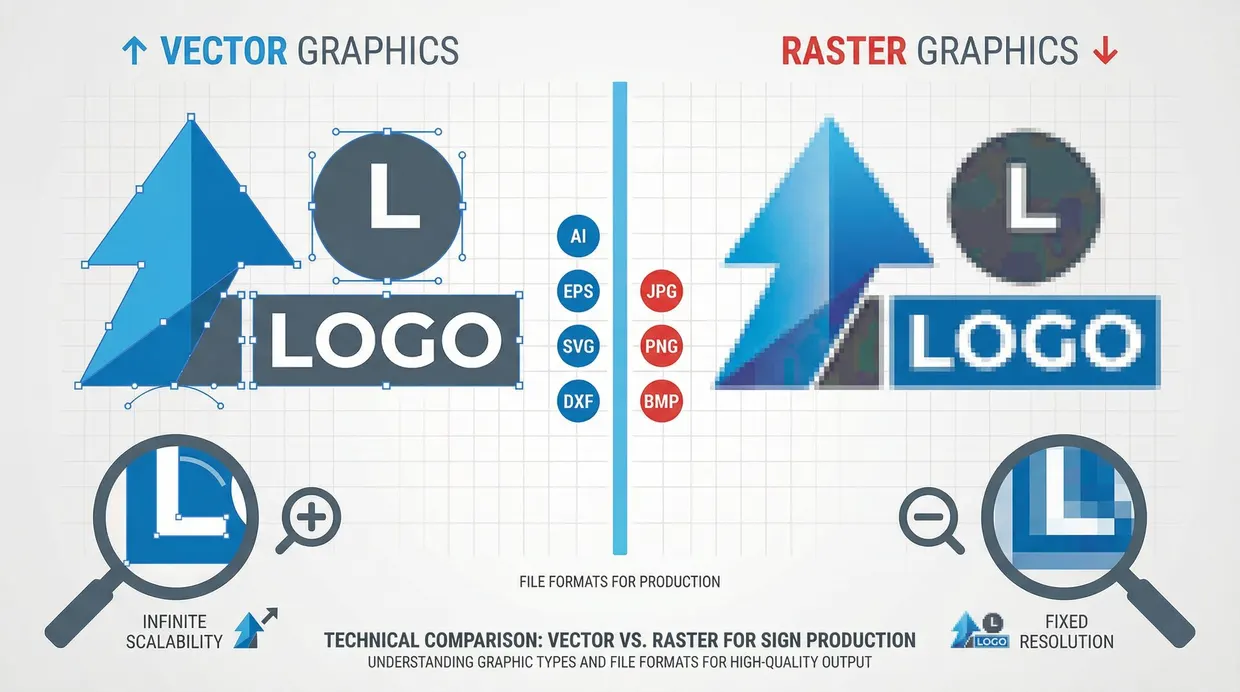
Design and layout is where the artwork gets made: lettering, logos, layout at full size, colour. This is vector work. Vector files (AI, EPS, SVG, PDF with vector content, DXF) store shapes as paths a cutter or router can follow, so a sign scales from a 10 cm decal to a 3 m fascia without going soft. Raster files (PNG, JPG) store pixels and have to be traced into vectors before anything can be cut. CorelDRAW, Illustrator, Affinity and Inkscape all do this work.
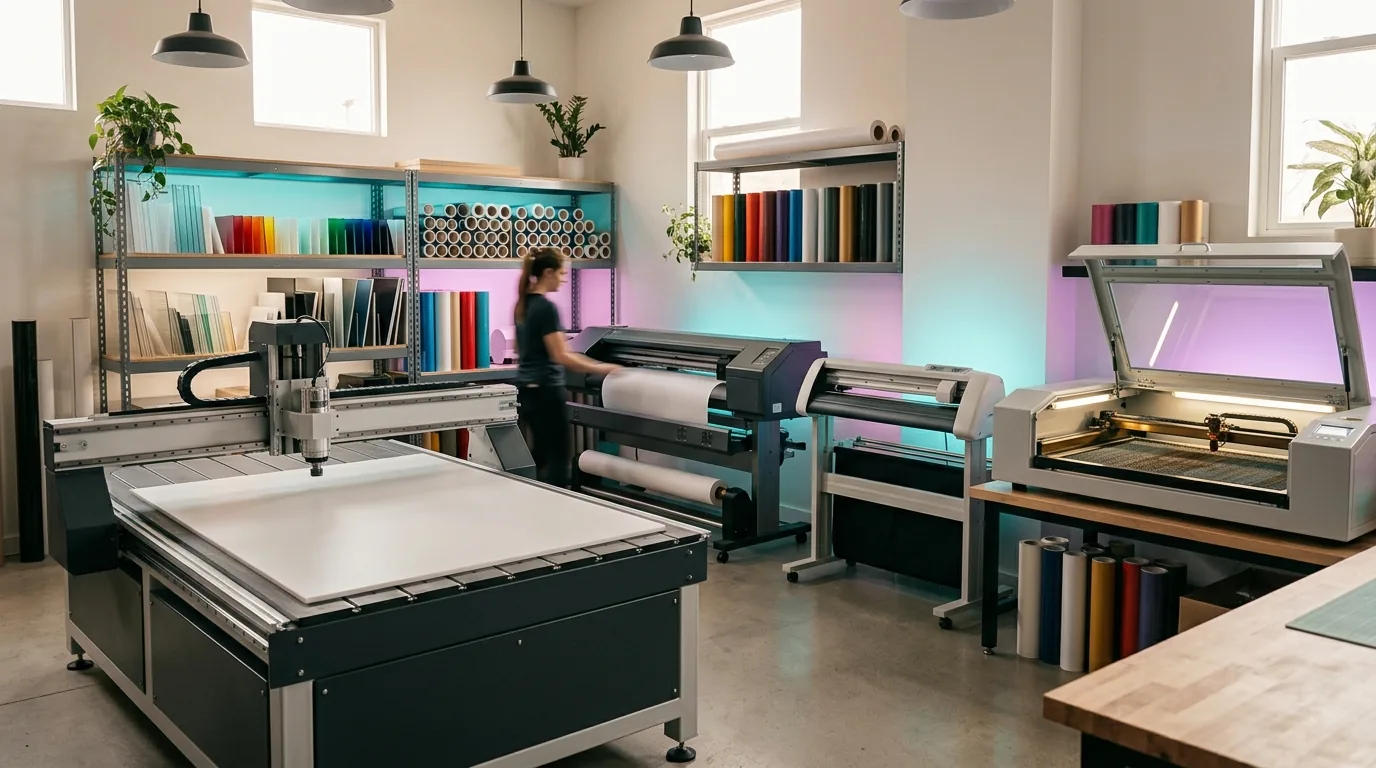
Production output is where the artwork becomes a job a machine can run. For a vinyl cutter, that means cut paths plus weed borders, which make it easier to peel away the waste vinyl (weeding). For a wide-format printer, it means a RIP (raster image processor) that manages colour profiles. For print-and-cut work, it means registration marks the cutter reads so it can contour-cut around the printed image. Router and laser work adds toolpaths. Flexi, SignLab, EasySIGN and Vinyl Express LXi are built for this job, and cutter makers such as Graphtec give away a plug-in for it.
Selling online is where a customer designs or configures a sign on your website, sees a price and orders it. This job is newer and has nothing to do with running machines. Its output is an order with the details and files you need to make the sign.
The lines blur, and sign makers will tell you so. Flexi Complete and SignLab both design and drive machines. Plenty of shops design in CorelDRAW and cut through a free plug-in, and never buy dedicated sign software. Treat the three jobs as a checklist of what your shop needs covered, not as three things you must buy.
90% of customer artwork arrives as PNG or JPG
Sign Customiser’s count of 17,076 artwork files that customers attached to custom-design and quote requests, from 29 September 2025 to 28 September 2026, found that 90% were PNG or JPG images. Only about 10% arrived as PDF or SVG files that might already hold vector artwork. Our intake policy for low-resolution and AI-generated artwork covers what to do with the rest.
The files came from customers of 83 stores that use Sign Customiser’s design and quote forms. PNG made up 49.1%, JPG 41.3%, PDF 6.8% and SVG 2.7%. The PDF share includes AI files, which our upload storage records as PDF. No single store accounts for more than 28% of any file type, so one busy store doesn’t set the result. We left out test, development and internal stores, and uploads to the AI Sign Designer, which are stored separately.
We counted a second way to check the result. Using the file name each customer uploaded, which we have only stored since 15 January 2026, the 13,005 files sent between then and 28 September 2026 were 90.9% PNG or JPG and 9.1% PDF, SVG, AI or EPS.
Two limits. These are stores that sell signs with Sign Customiser, not the whole sign industry. And the upload fields accept images, PDF, SVG and PostScript files but not CorelDRAW or DXF files, so those formats can’t show up here.
What it means for your software choice: whichever design program you pick, test its tracing on a real customer logo before you commit. CorelDRAW has PowerTRACE and Illustrator has Image Trace. AI-made logos make the job harder: in a March 2026 Signs101 thread, a vectorising service said about 35% of the logos it receives to quote are AI-generated, and “half are either impossible to trace or require significant simplification to vector” (Signs101). For the formats each machine expects, see our guide to sign production file formats.
Sign making software compared
Of the dedicated production suites, SignLab 11 and Vinyl Express LXi are one-off purchases from US$595, while SAi Flexi and EasySIGN are subscription-only. CorelDRAW is the only design program here sold both ways. On a Mac, your options are CorelDRAW, Illustrator, Affinity, Inkscape and Flexi DESIGN; Flexi Complete, SignLab, EasySIGN and Vinyl Express LXi run on Windows only.
| Software | Job | Price (checked 29 Sep 2026) | Runs on | Licence |
|---|---|---|---|---|
| CorelDRAW Graphics Suite 2026 | Design | US$269 a year, or US$549 once | Windows, macOS, web | Subscription or one-time |
| Adobe Illustrator | Design | US$22.99 a month (annual plan) | Windows, macOS | Subscription |
| Affinity | Design | Free | Windows, macOS | Free |
| Inkscape | Design | Free | Windows, macOS, Linux | Free, open source |
| SAi Flexi | Design, RIP, print and cut | US$46.99 to US$91.99 a month | Windows (DESIGN also macOS) | Subscription |
| SignLab 11 | Design, cut, print and cut | From US$595 (Print and Cut from US$2,495) | Windows | One-off purchase |
| EasySIGN | Design, cut, print, route | €149 to €699 a year | Windows | Subscription |
| Vinyl Express LXi 26 | Cut, print and cut | US$595 to US$2,495 | Windows | One-off purchase |
| Graphtec Cutting Master 5 | Cut | Free with the cutter | As your design program | Free |
| Sign Customiser (ours) | Selling online | US$29 to US$299 a month | Web (your store) | Subscription |
| Zakeke | Selling online | US$59 to US$255 a month billed yearly, plus 1.5% to 1.9% per sale | Web (your store) | Subscription |
| InkSoft | Selling online | US$419 a month (plan with signage) | Web | Subscription |
Design and layout software
CorelDRAW Graphics Suite 2026
Best for: you want one design program for layout and tracing, on Windows or Mac, and you don’t want to be forced onto a subscription.
CorelDRAW is a long-standing sign shop favourite: in a 2025 Signs101 thread, one shop said it handles 95% of their client-facing design. It traces bitmaps into vectors with PowerTRACE, and Corel markets it for signage and large-format print on its own product page. It is the only program here you can buy on subscription or as a one-time licence.
Price: US$269 a year or US$39 a month on subscription, or US$549 for a one-time licence (coreldraw.com).
Limit: the one-time licence doesn’t get every feature the subscription gets, and CorelDRAW doesn’t replace a RIP for colour-managed wide-format printing.
Adobe Illustrator
Best for: your designers already work in Adobe, or you receive a lot of AI files from agencies.
Illustrator is the home of the AI format, so it opens brand artwork from agencies without conversion. Image Trace converts raster logos to vectors, and cutter makers such as Graphtec ship plug-ins that cut straight from Illustrator.
Price: US$22.99 a month on the annual plan, billed monthly (adobe.com). There is a 7-day free trial.
Limit: subscription only, and no cutter or printer drivers of its own. You will add a cutter plug-in or a RIP for production.
Affinity
Best for: small shops and new starters who want professional vector tools without a subscription.
Canva made Affinity free on 29 October 2025. One app now combines vector, pixel and layout tools, and the vendor says every tool and export feature is free with “no restrictions or payment needed” (affinity.studio). It opens AI, PDF, SVG and PSD files and exports CMYK with spot colours and bleed, which covers most print prep.
Price: free. Canva’s AI features inside Affinity need a paid Canva plan.
Limit: no cutter drivers and no RIP. You still need your cutter maker’s software or a production tool to run machines.
Inkscape
Best for: you’re on a tight budget, or you work on Linux.
Inkscape is free, open-source vector software that saves in SVG by default. The current version is 1.4.4. It handles lettering, logo clean-up and cut-ready paths, and Vinyl Express LXi imports Inkscape SVG files directly.
Price: free (inkscape.org).
Limit: no cutter drivers or RIP of its own, and no vendor support line when a job is due.
Cutting, printing and RIP software
SAi Flexi
Best for: print-and-cut shops that want design, RIP and machine output in one subscription.
Flexi is SAi’s sign-specific suite, sold in editions. Flexi DESIGN covers design work. Flexi Complete adds the RIP and print-and-cut, and drives up to five printers or cutters at the same time. Only Flexi DESIGN has a macOS version; Flexi Complete runs on Windows.
SAi’s own product page says “nearly 3 out of 4” shops use Flexi. We couldn’t find a survey behind that figure. The nearest thing is a 2009 Signs101 poll where 255 of the 359 members who voted, 71%, said they used it (Signs101). That is a self-selected forum sample from 17 years ago, so treat the three-in-four line as marketing.
Price: Flexi DESIGN US$46.99 a month or US$420.99 a year; Flexi Complete US$91.99 a month or US$865.99 a year (thinksai.com).
Limit: subscription only, so the cost never stops. A February 2026 Signs101 thread opens with a shop owner complaining of constant price rises, with the Flexi RIP now at CA$99.99 a month (Signs101).
SignLab 11
Best for: you want to own your software outright, with cutter and print-and-cut drivers included.
SignLab is now sold under the Fiery brand. The current version is SignLab 11, sold in editions: CutPro and DesignPro, VinylPro, and Print and Cut. Fiery sells them as one-off purchases rather than a subscription.
Price: CutPro and DesignPro US$595 each, VinylPro US$1,095, and Print and Cut from US$2,495 (shop.fiery.com).
Limit: Windows only, and the editions matter: check that the one you buy drives your printer before you pay.
EasySIGN
Best for: you route as well as cut and print, and you’re happy to pay in euros.
EasySIGN is subscription-only and Windows-only. Starter covers cutting, Pro adds printing, and Premium adds routing. The vendor claims drivers for more than 400 cutting plotters, 20+ RIP integrations and 40+ routers, and offers a 30-day money-back guarantee.
Price: billed yearly, Starter €149, Pro €395 and Premium €699 a year. Pro and Premium also come month to month at €55 and €89 (easysign.com).
Limit: no Mac version. The per-month figures on EasySIGN’s site are the yearly price divided by 12, so compare like with like.
Vinyl Express LXi 26
Best for: vinyl-focused shops that want a one-off purchase instead of a subscription.
SignWarehouse sells LXi in three editions and says nearly every vinyl cutter on the market is compatible. It imports Flexi files as well as SVG, which helps if you’re moving away from Flexi.
Price: Expert US$595, Master Plus US$1,095 and RIP Design US$2,495 (signwarehouse.com).
Limit: Windows only, and only the RIP Design edition handles wide-format printing and print-and-cut.
Graphtec Cutting Master 5 and other cutter plug-ins
Best for: you already design in Illustrator or CorelDRAW and only need to cut.
Cutter makers give away cutting software. Graphtec’s Cutting Master 5 is a plug-in for Illustrator and CorelDRAW that sends jobs straight to Graphtec cutters (graphteccorp.com), and other makers ship their own. Some printers ship with their own RIP software too. Before you buy a production suite, check what came in the box with your machines.
Price: free with the cutter.
Limit: each plug-in drives only that maker’s machines. A cutting plug-in isn’t a RIP, so for colour-managed printing you need your printer’s RIP or a production suite.
Software for selling custom signs online
These tools don’t make artwork and don’t run machines. They let a customer build a sign on your website, see a price and order, so you quote less by email. They suit signs with clear rules (fonts, sizes, colours, materials), such as LED neon, channel letters, lightboxes and cut-out lettering. They don’t replace bespoke design work.
Sign Customiser (ours)
Best for: you sell LED neon, channel letters, lightboxes, wood, metal, acrylic, stencil or braille signs on your own store.
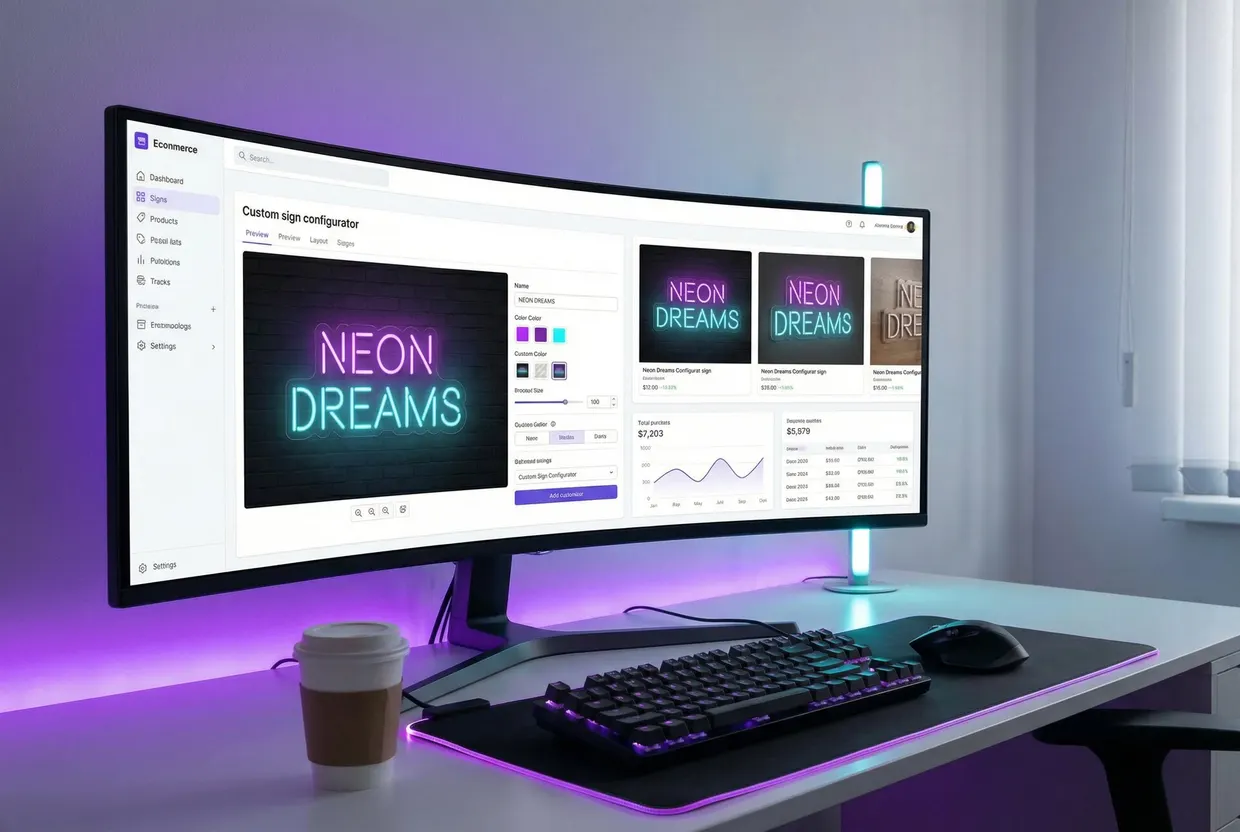
Your customer types the wording, picks fonts, colours and size, and sees a live preview and price as they go. The order reaches you with the details and production-ready SVG and EPS/AI files that open in Adobe Illustrator or CNC machine software (features). The AI Sign Designer turns an uploaded logo into a sign design with a quote. It runs on Shopify, WooCommerce, WordPress, Wix, Squarespace, Webflow, Etsy and any website through an embed.
Price: US$29 to US$299 a month, set by the number of orders, with every feature on every plan and a 7-day free trial (pricing).
Limit: there is no free plan, only the trial, and the monthly price rises with your order volume. There is no BigCommerce or Magento connection. Uploaded artwork still needs a person to check it before production.
Zakeke
Best for: you sell many product types, not only signs, across several marketplaces.
Zakeke has a sign designer that connects to Shopify, WooCommerce, Wix, BigCommerce, Etsy and Amazon, among others, and says it delivers print-ready PDF, PNG, SVG and DXF files (zakeke.com). There is a 14-day free trial.
Price: US$59 to US$255 a month billed yearly, plus 1.5% to 1.9% of each customised sale, depending on the plan.
Limit: the per-sale fee comes on top of the plan, so the cost grows with your sales.
InkSoft
Best for: print and banner shops selling decals, yard signs and banners from templates.
InkSoft’s signage designer offers 650 interactive signage templates on its Unlimited plan, an instant quote from your configured pricing, and cut and bleed lines on the mock-up (inksoft.com).
Price: the Unlimited plan, which includes signage, is US$419 a month (inksoft.com).
Limit: the signage templates are for printed products, and signage needs the Unlimited plan.
For a longer list of customisers, including Customily, Kickflip and Threekit, see our e-commerce sign configurators compared.
Where online sign designers fall short
Sign makers have good reasons to distrust website designers. In a 2018 Signs101 thread, one owner said they still had to “design around” the site’s design centre, that customers stopped taking direction once they had an idea, and that screen colours didn’t match the finished sign. Another said a blank canvas doesn’t work: “Customers can’t look at a blank canvas and create something that looks good” (Signs101).
Those problems are real for open-ended design work. They shrink when the product has rules: a neon sign with a set list of fonts, tube colours and sizes is hard to design badly, and the price follows from the choices. That is the case these tools fit. For a bespoke fascia or a full rebrand, sell your design time instead.
What sign makers say they run
Ask sign makers what they use and a pattern shows up: one program for design, another for machine output. In a January 2025 Signs101 thread on sign design software, one shop owner wrote, “We use Coreldraw for 95% of all client facing design, Flexisign for machine output and rip.” Another used “Illustrator for 95% of layout” and FlexiDESIGN for braille and automated sign content. A third runs Adobe Creative Suite for design and pre-press and ONYX for production printing, and a fourth uses Affinity Designer 2 and Affinity Photo 2 (Signs101). That is one thread, not a survey, but it matches what the vendors sell.
Subscriptions are the recurring complaint. In the 2026 Flexi replacement thread, one shop uses CorelDRAW with eCut and SheetCAM, and another points to Onyx Thrive as a one-time purchase.
The industry isn’t spending freely on software either. In the Signs of the Times 2026 State of the Sign Industry report, 32% of the sign companies that answered said they bought software in 2025, down from 39% a year earlier (Signs of the Times).
What not to use for production
- Canva and other template makers are fine for a mock-up or a one-off poster. Canva Pro costs US$144 a year, SVG download is one of its paid-plan features, and a sign shop may need to rebuild a Canva file before it cuts or prints it.
- Digital signage software manages content on screens. It shows up in searches for “sign software”, but it has nothing to do with making physical signs.
- Photo editors such as Photoshop are for raster images. Use them to fix a photo for a printed panel, not to make cut lines.
- Shop management and estimating systems such as shopVOX run jobs, quotes and invoices. They sit next to your design software rather than replacing it; our sign estimating software comparison covers them.
How to choose
Start from your machines and your sales channel, not from the software list:
- You cut vinyl and design in-house. CorelDRAW or Illustrator plus your cutter maker’s plug-in, or Vinyl Express LXi if you want a one-off purchase. Affinity or Inkscape if cash is tight.
- You print and cut on wide-format machines. Flexi Complete, SignLab Print and Cut, EasySIGN Pro or LXi RIP Design, or your printer’s own RIP with a design program on top.
- You route or laser. EasySIGN Premium, or a design program plus your machine’s CAM software.
- You sell signs online and quote by email. Add a customer-facing customiser such as Sign Customiser on top of your design and production tools.
- You’re comparing Flexi or SignLab directly with a website customiser. They do different jobs; see Sign Customiser vs Flexi Sign Pro and SignLab vs Sign Customiser.
Before you pay, check five things: that the software drives your exact cutter and printer models, that it runs on your operating system, whether you’re buying a subscription or a one-off licence, that it opens the files your customers send (PNG and JPG, mostly), and whether there is a trial or refund. Illustrator has a 7-day trial, Zakeke 14 days and Sign Customiser 7 days, and EasySIGN offers a 30-day money-back guarantee.
Frequently asked questions
What is the best program to create signs?
For sign design, most shops use CorelDRAW or Adobe Illustrator. To cut and print, they use SAi Flexi, SignLab or EasySIGN, or a free plug-in from their cutter maker. Flexi Complete and SignLab design and drive machines in one program, which suits a shop that wants a single tool.
What is the best free software for creating signs?
Affinity and Inkscape are both free and both edit vector artwork. Affinity became free on 29 October 2025 and exports CMYK with spot colours and bleed. Pair either one with your cutter maker’s free cutting software or plug-in to send jobs to the plotter.
Can I design my own sign online for free?
Yes. Canva and similar online makers are free for a one-off sign that a print shop will produce. They are not production tools: Canva lists SVG download as a paid-plan feature, and a sign shop may need to rebuild the file before it cuts or prints it.
What is the best signage designer app?
It depends on who is designing. For a one-off printed sign, Canva works. For production artwork, sign shops use CorelDRAW, Illustrator or Affinity. For a shop that wants customers to design signs on its own website, customiser apps such as Sign Customiser, Zakeke or InkSoft do that job.
Do I need Flexi if I already have Illustrator or CorelDRAW?
Not always. Many shops design in Illustrator or CorelDRAW and cut through the cutter maker’s plug-in, such as Graphtec Cutting Master 5. You need Flexi, SignLab or a separate RIP when you print and cut on wide-format printers or drive several machines from one program.
What file format do sign makers want?
Vector files: AI, EPS, PDF with vector content, SVG, or DXF for routers. In Sign Customiser’s count of 17,076 artwork files customers attached to design and quote requests in the 12 months to 28 September 2026, 90% were PNG or JPG, so plan for tracing time.
Is Sign Customiser sign making software?
Not in the design-suite sense. Sign Customiser is a customer-facing customiser: your customers design a sign on your store, see the price and order it, and you get production-ready SVG and EPS/AI files. You still use design and cutting software in the shop.