Changelog
Documenting our journey of creating a custom sign builder.
-
Charge for backboards by the sign's area
Sign Customiser now lets you price a backboard by the area of the sign. Instead of a single flat fee, you can set a rate per square inch (or per square centimetre) so bigger signs are charged proportionally more for their backboard — a fairer way to recover material costs that grow with size.

What’s Changed
- Area-based backboard pricing - On any backboard, choose “Price per square in/cm” under Additional Pricing and set a rate. The charge is the sign’s width × height × your rate, added automatically to the customer’s quote.
- Clear customer breakdown - When an area rate applies, customers see a dedicated “Backboard area” line in their price breakdown showing the dimensions, the rate, and the resulting charge.
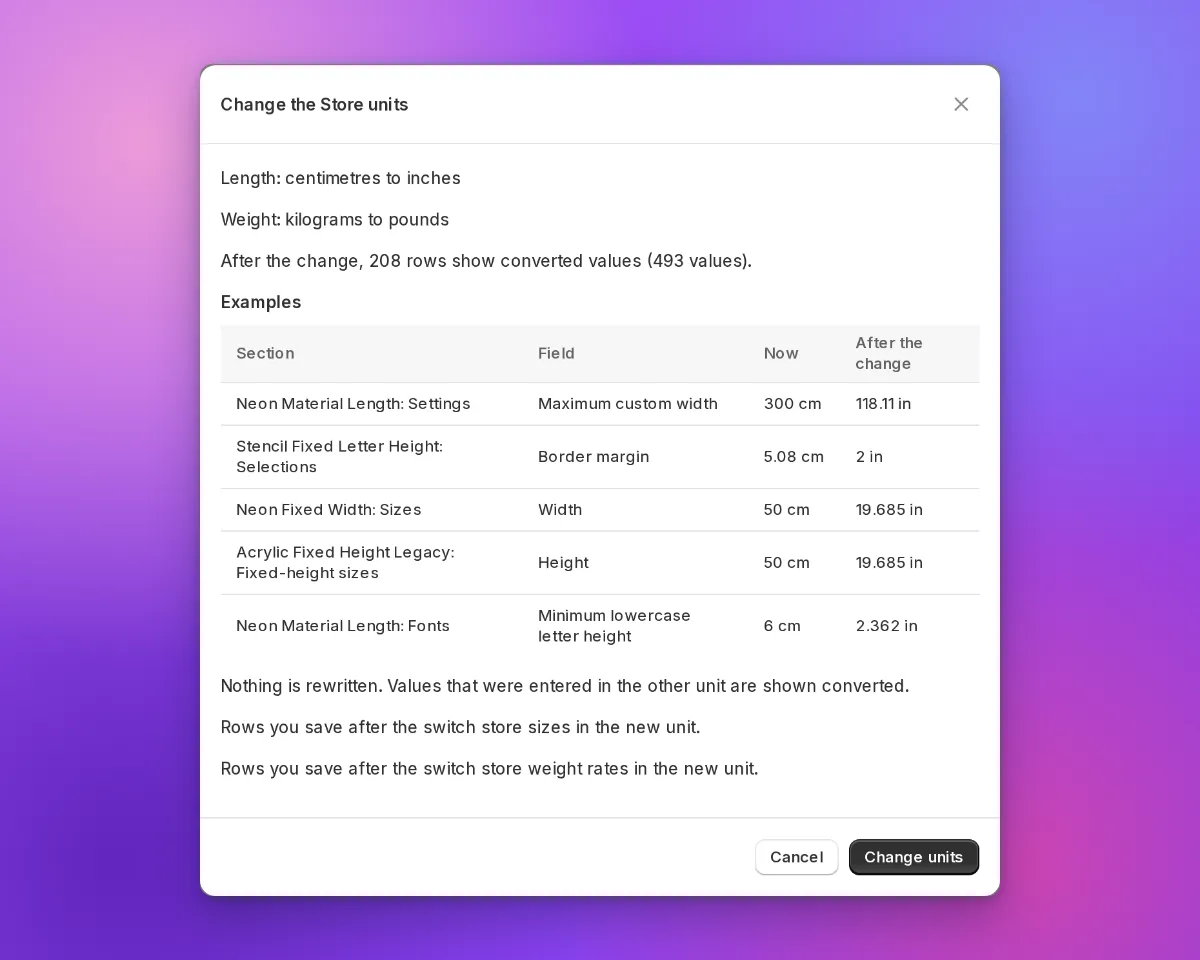
- Follows your measurement unit - Enter the rate per square inch or per square centimetre to match your store’s settings; the customiser handles the conversion for you.
- Works with bulk price adjustments - The area rate scales alongside your other prices when you apply a global price adjustment or switch currency, so nothing is left behind.
- Off by default - Existing backboards are unaffected; pricing only changes once you set a rate. The option is hidden on Frame Fit and Cut-out Metal signs, which already price the whole sign by area.
-
Sell custom signs in every active Shopify market
If your Shopify store uses Markets to sell across multiple countries or regions, Sign Customiser now publishes each generated custom sign product to the shopper’s active market automatically. Previously a custom design could be created in a market where it wasn’t yet available for purchase, leaving some shoppers unable to complete checkout. Now the product is made available in the right market behind the scenes, so more customers reach the checkout no matter where they’re buying from.
What’s Changed
- Automatic publishing to active markets - Custom sign products are now added to the catalogues of your active Shopify Markets when a design is created, so they’re available to buy in every region you sell to.
- Guided Markets access setup - A new banner in the Shopify admin lets stores using Markets approve the optional access Sign Customiser needs, with a single click and clear explanation of why it helps.
- More reliable checkout - The customiser and add-to-cart flow now stay resilient when market or cart information is incomplete, so shoppers still get a smooth path to checkout instead of an error.
- Works quietly in the background - Stores that don’t use Shopify Markets see no change, and there’s nothing extra to configure — everything happens automatically once access is approved.
-
Backlit glow for cut-out metal signs
Sign Customiser now lets you offer a backlit glow on cut-out metal sign customisers. Add a backlight option and your customers can switch the lighting on, pick a colour, and watch the preview update live — light blooming around the panel edge and through the inside of every cut-out shape, just like a real LED-backlit sign lit up against a wall.

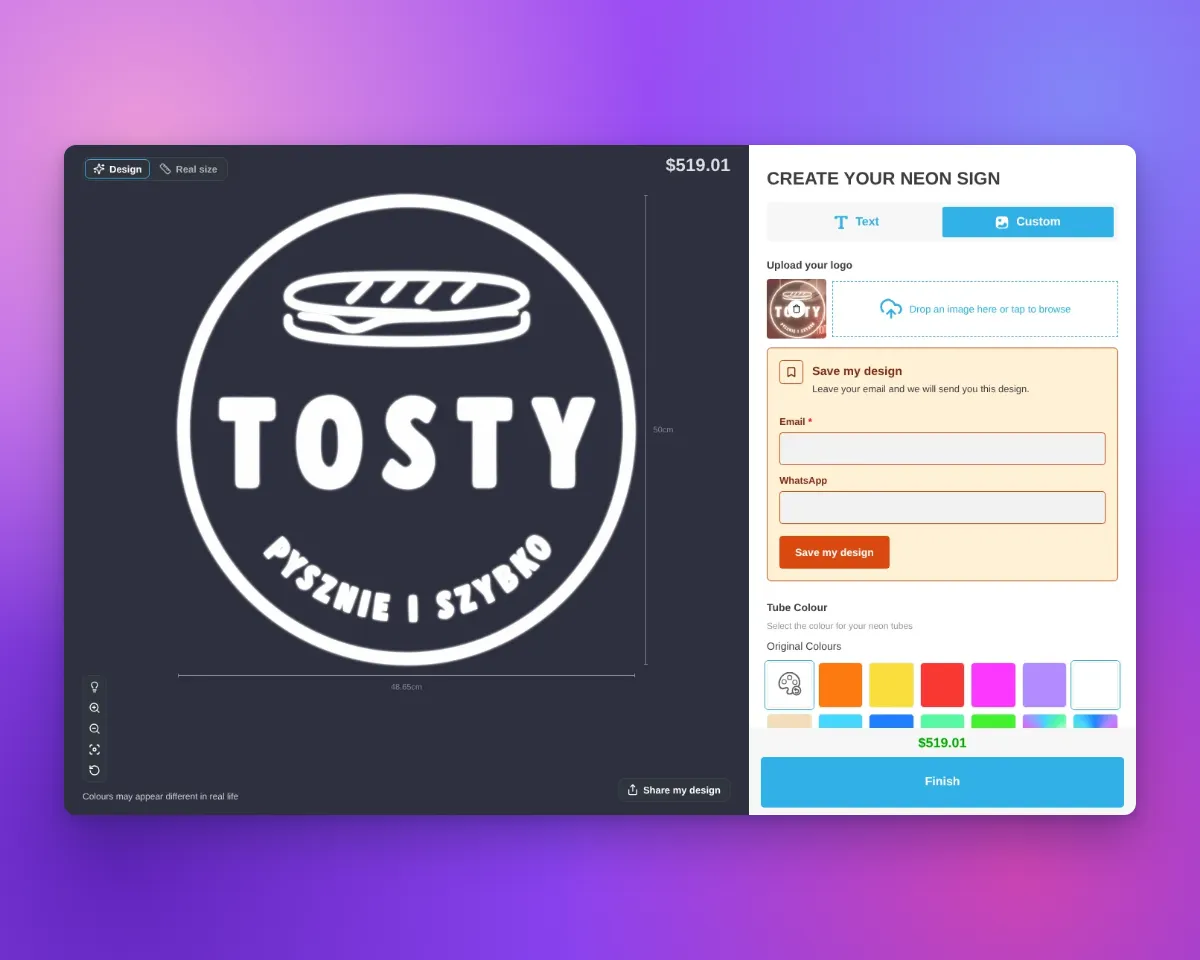
The same glow follows any design. Whether your customer types their own text or uploads a logo through the AI Sign Designer, the shape is cut from the panel and lit around every edge.


What’s Changed
- New backlight option - Add a backlight selection to any cut-out metal customiser so customers can choose to light their sign up.
- A range of glow colours - Offer warm white, amber and other single colours, or multi-colour RGB and Flow effects — each with its own optional price adjustment.
- Works for text and logos - Customer-typed text and AI Sign Designer logos are both cut from the panel, with the glow tracing every edge of the design.
- True-to-life glow preview - The light blooms softly out from the panel edge and the inside edge of every cut-out shape, with see-through centres, instead of a hard painted outline.
- Carried right through to the order - The selected backlight and its price flow into the live quote, the product image, the cart and the manufacturer’s order details.
-
Upload PDF files to the AI Sign Designer
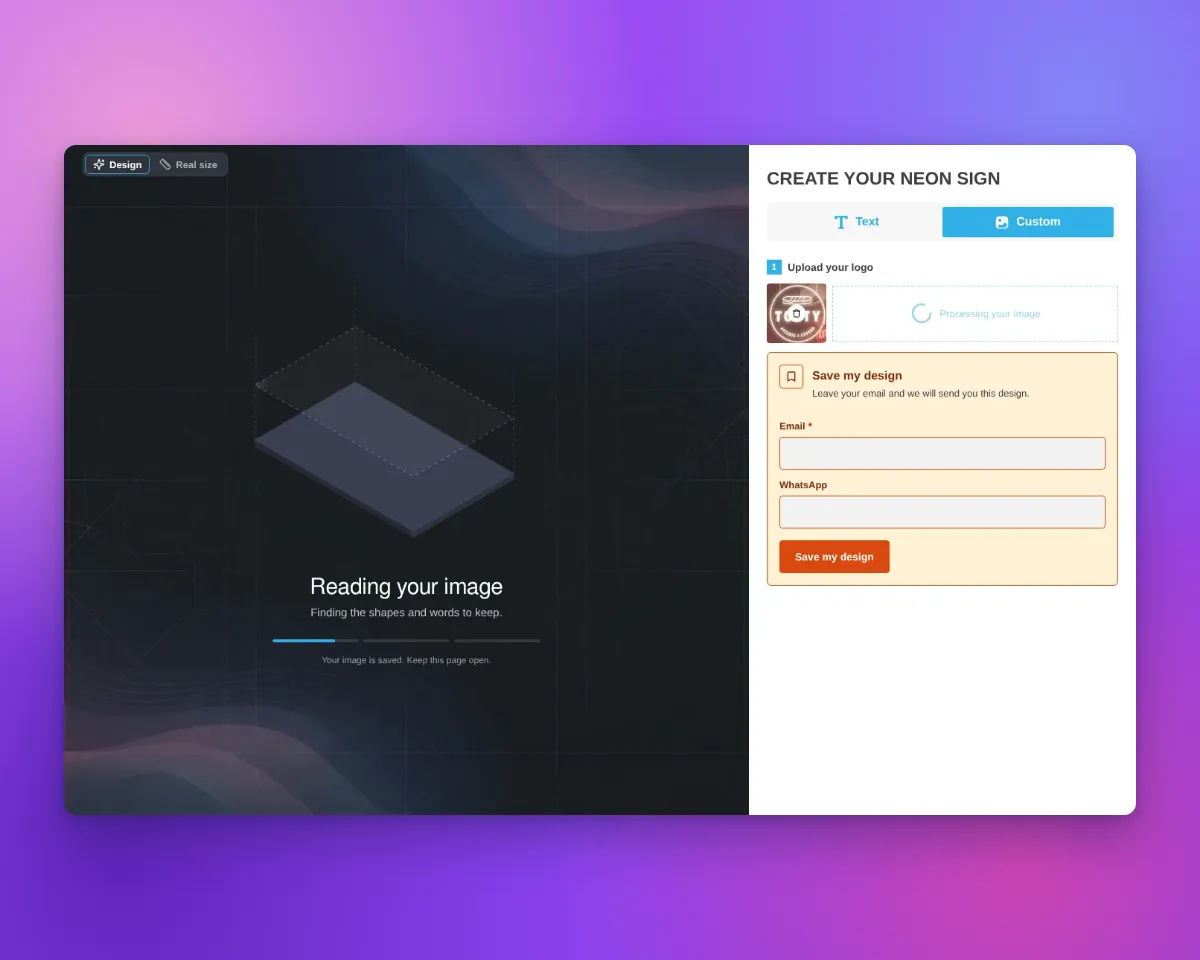
The AI Sign Designer now accepts PDF uploads, making it even easier for your customers to turn artwork they already have into a custom sign. PDFs are one of the most common formats designers and businesses use for logos and brand artwork, so this removes a frustrating extra step for customers who previously had to convert their files before uploading.
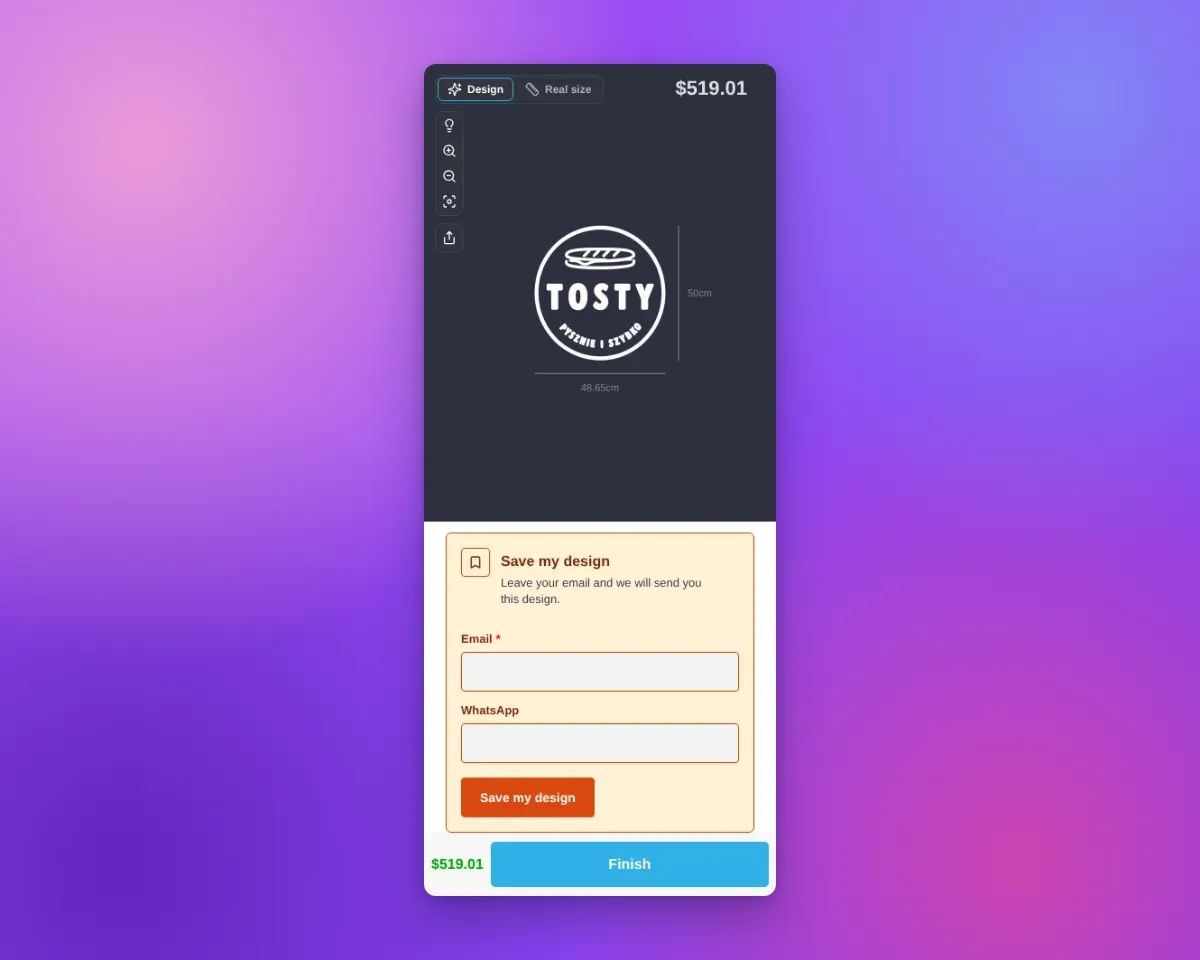
When a customer uploads a PDF, the AI Sign Designer processes it automatically, just like a photo or image, producing a sign-ready preview and the production files you need to fulfil the order.
What’s Changed
- PDF uploads now supported - Alongside JPG, PNG, SVG and photos, customers can now upload PDF artwork directly into the AI Sign Designer
- Automatic conversion - Uploaded PDFs are turned into a sign-ready design with no extra effort from your customer
- Larger files welcome - PDF artwork can be up to 25MB, comfortably covering the high-resolution files designers typically supply
- Clear feedback on problem files - Unreadable or password-protected PDFs are handled gracefully, so customers get a helpful message instead of a broken upload
-
Choose how multi-line sign height is measured
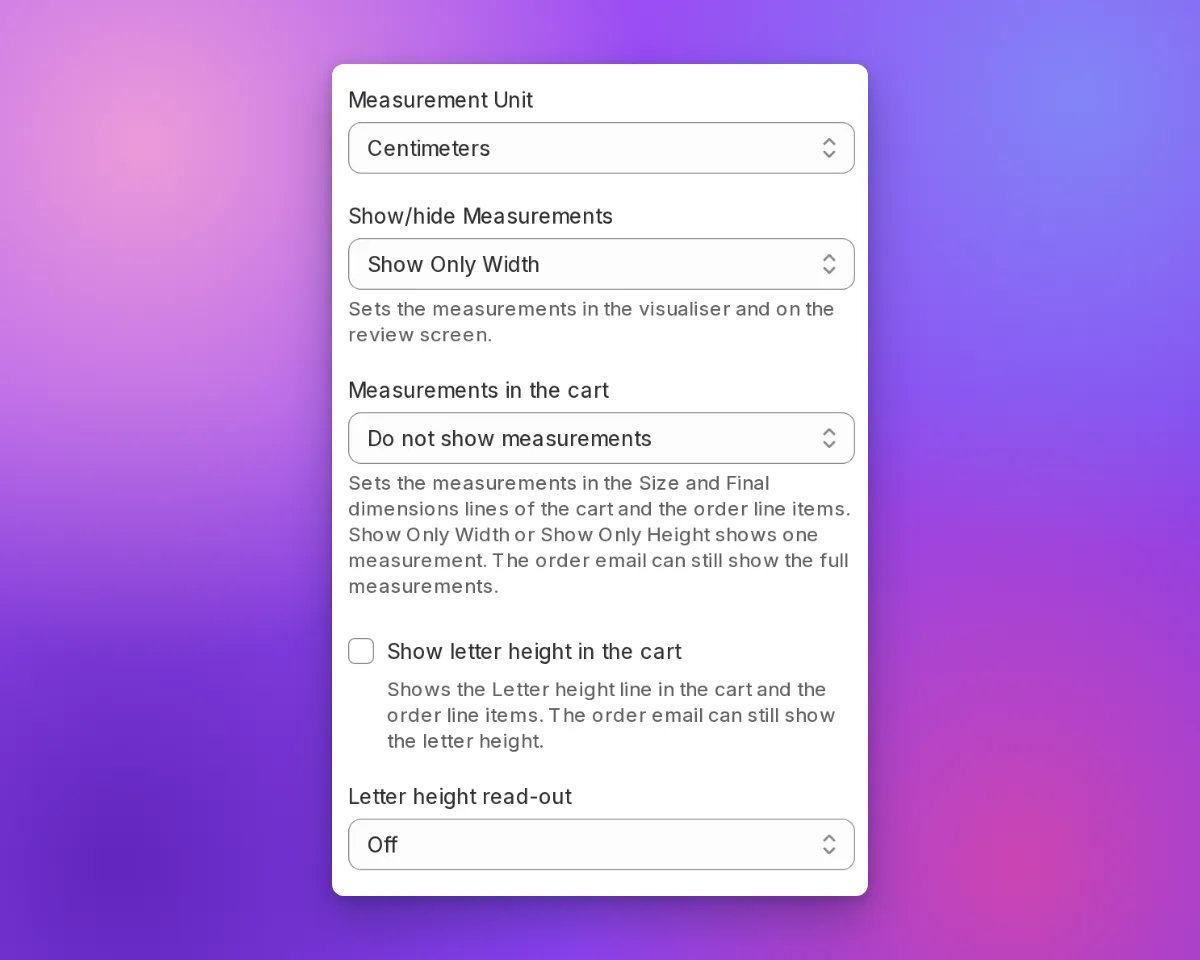
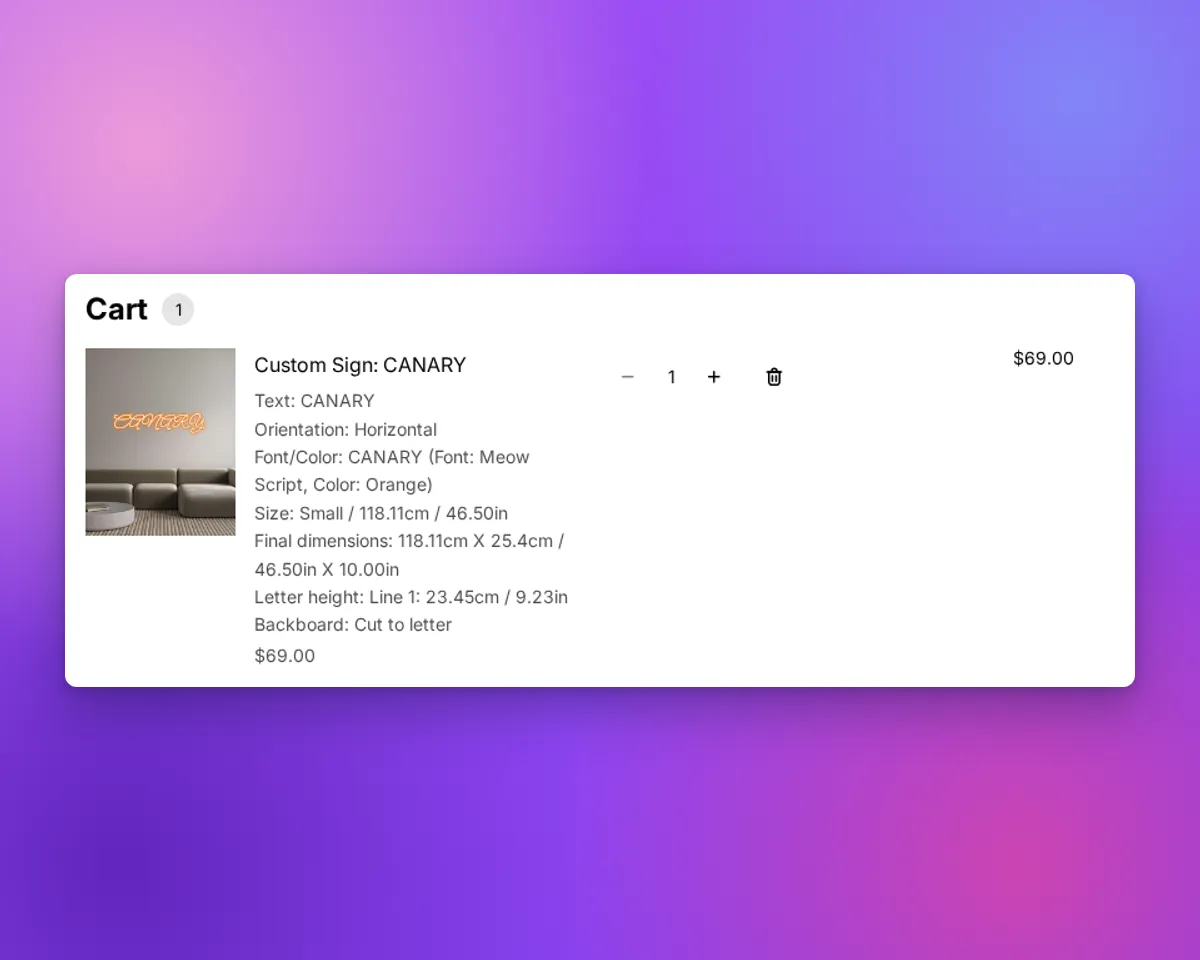
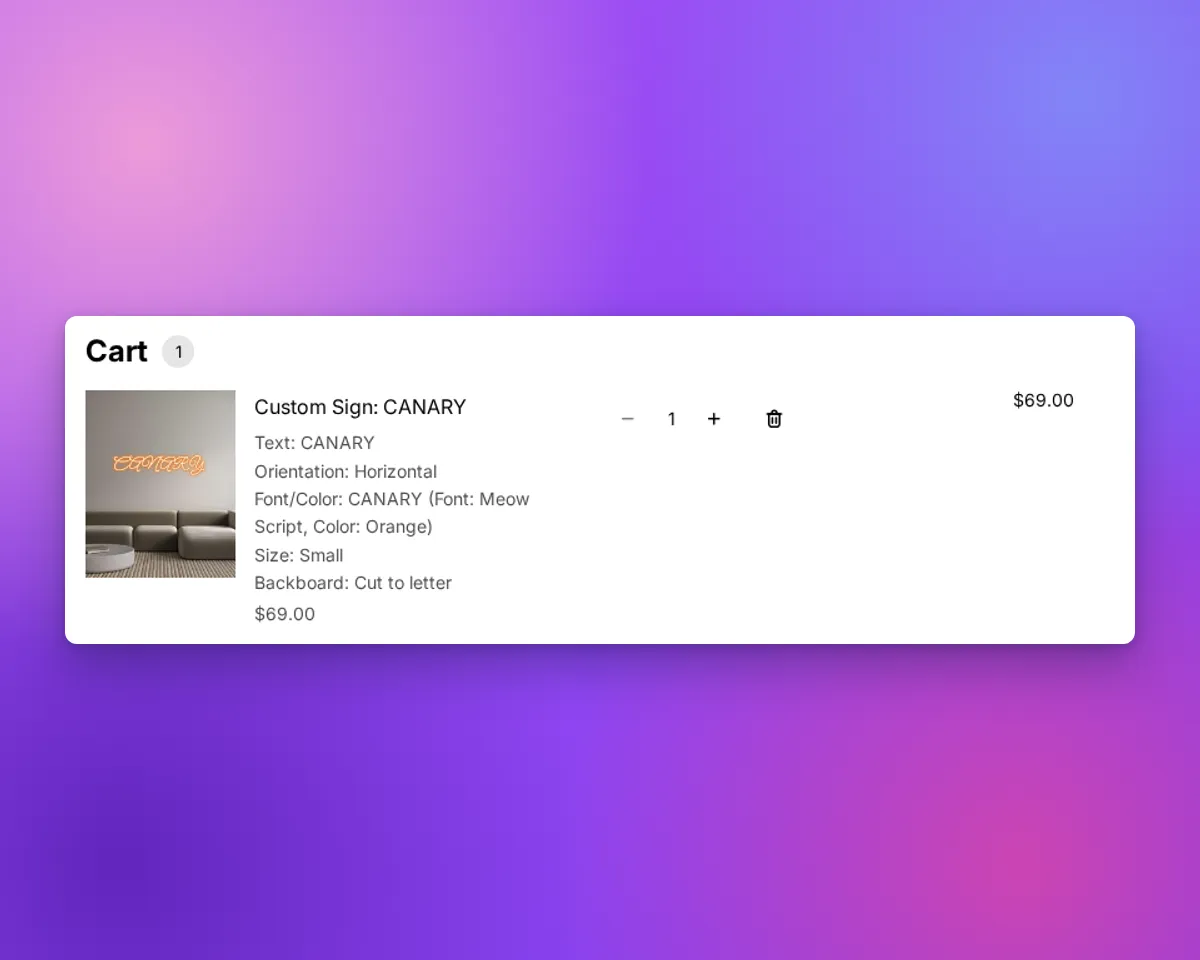
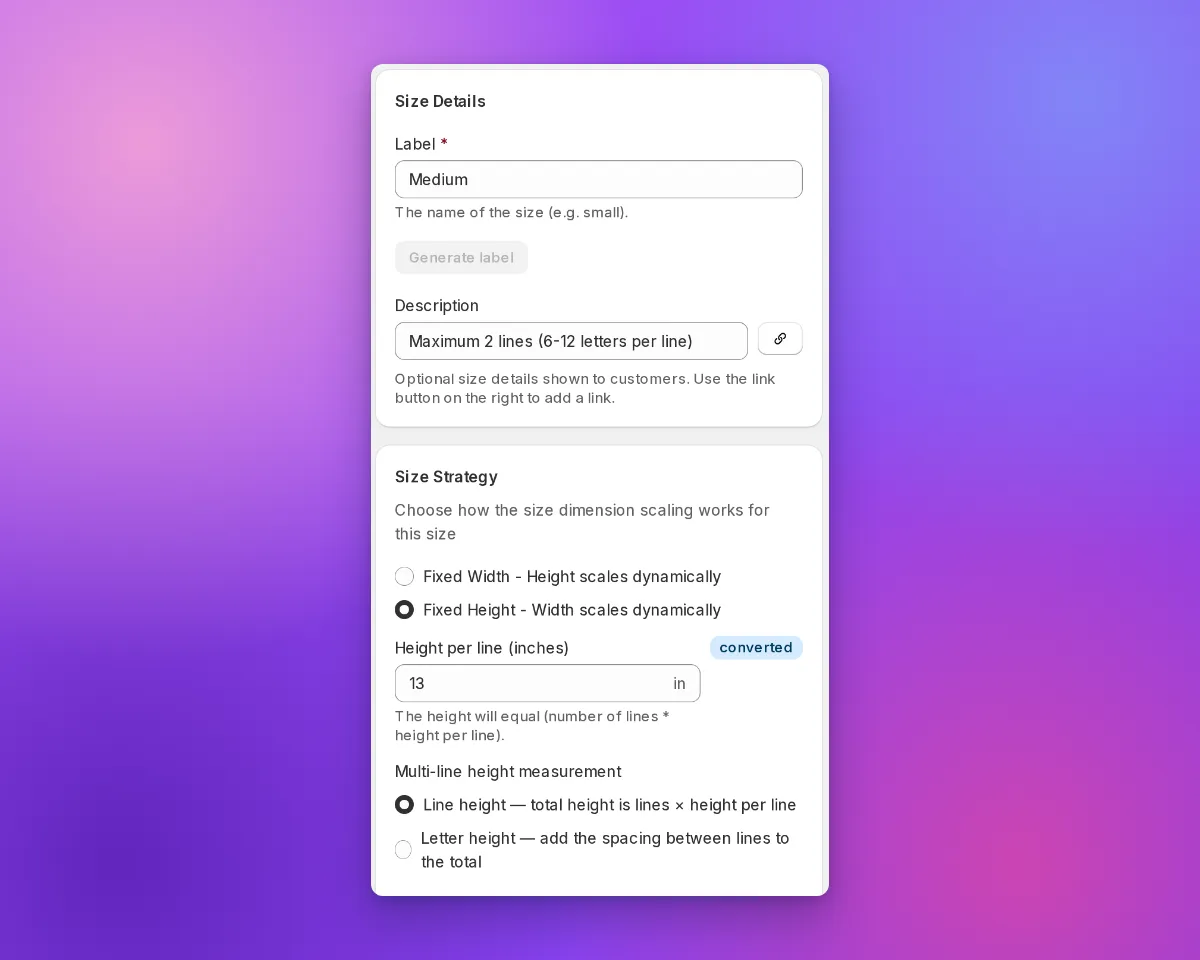
Sign Customiser now lets you control how the height of a multi-line sign is measured. When a size uses a fixed height, you can decide whether the height you set is the height of each line or the height of the letters themselves — so the measurements your customers see, and the sizes you send for manufacturing, match how you describe your signs.

What’s Changed
- New height measurement choice - For any size that uses a fixed height, you can now choose between “Line height” and “Letter height” when setting the height per line.
- Letter height adds the line spacing - Choose “Letter height” and the gap between lines is added on top of the letters, so a multi-line sign measures taller — and scales slightly wider to stay in proportion — matching what customers expect when they picture the letter size.
- Line height stays the default - “Line height” keeps the original behaviour, where the total height is simply the number of lines multiplied by the height per line. Existing sizes are unchanged, so nothing moves unless you opt in.
- Clear impact, explained in the form - The measurement you choose flows through to the size shown in the customiser and the size sent for manufacturing, with an in-app note that letter height can also affect area-based shipping prices.
-
More realistic clear acrylic cut backboards
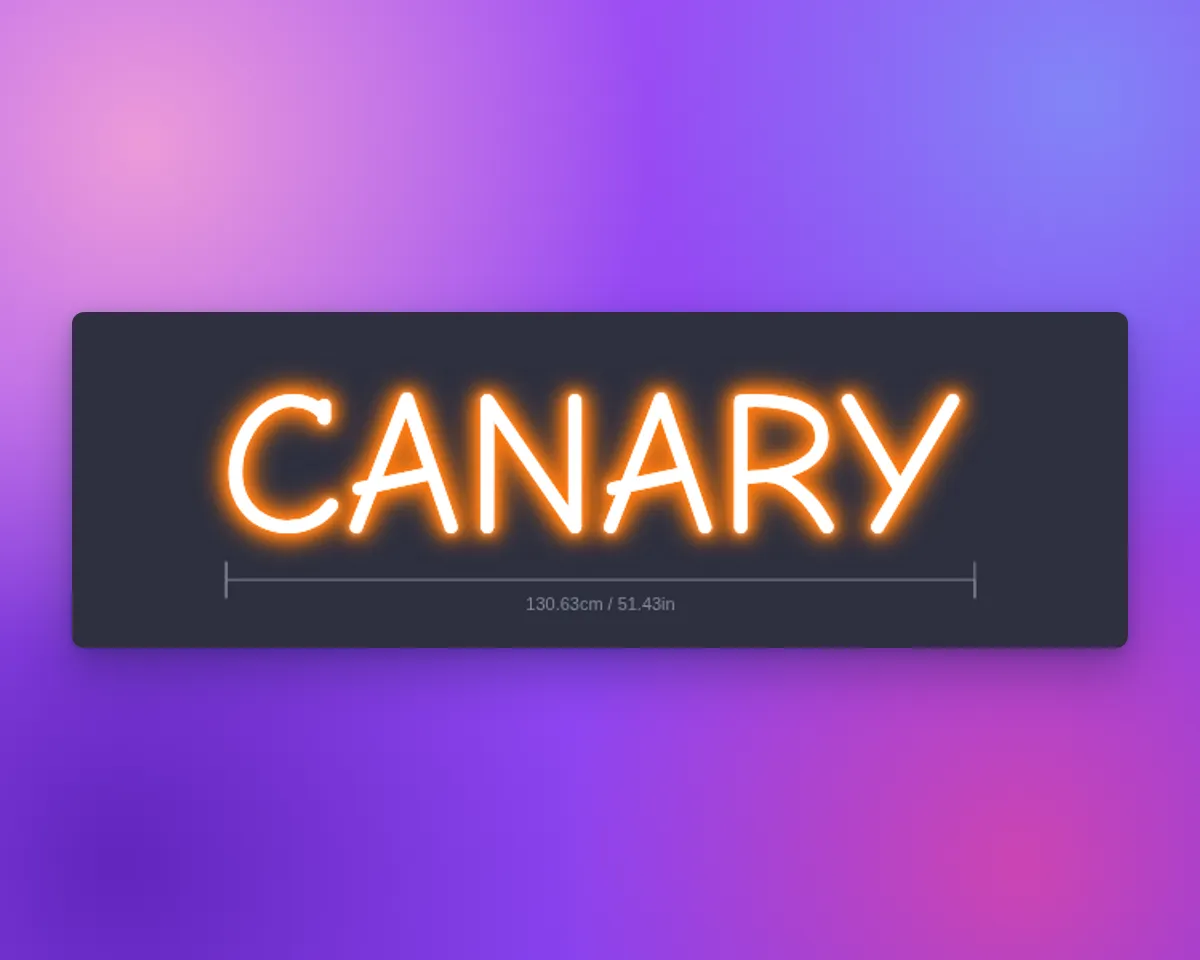
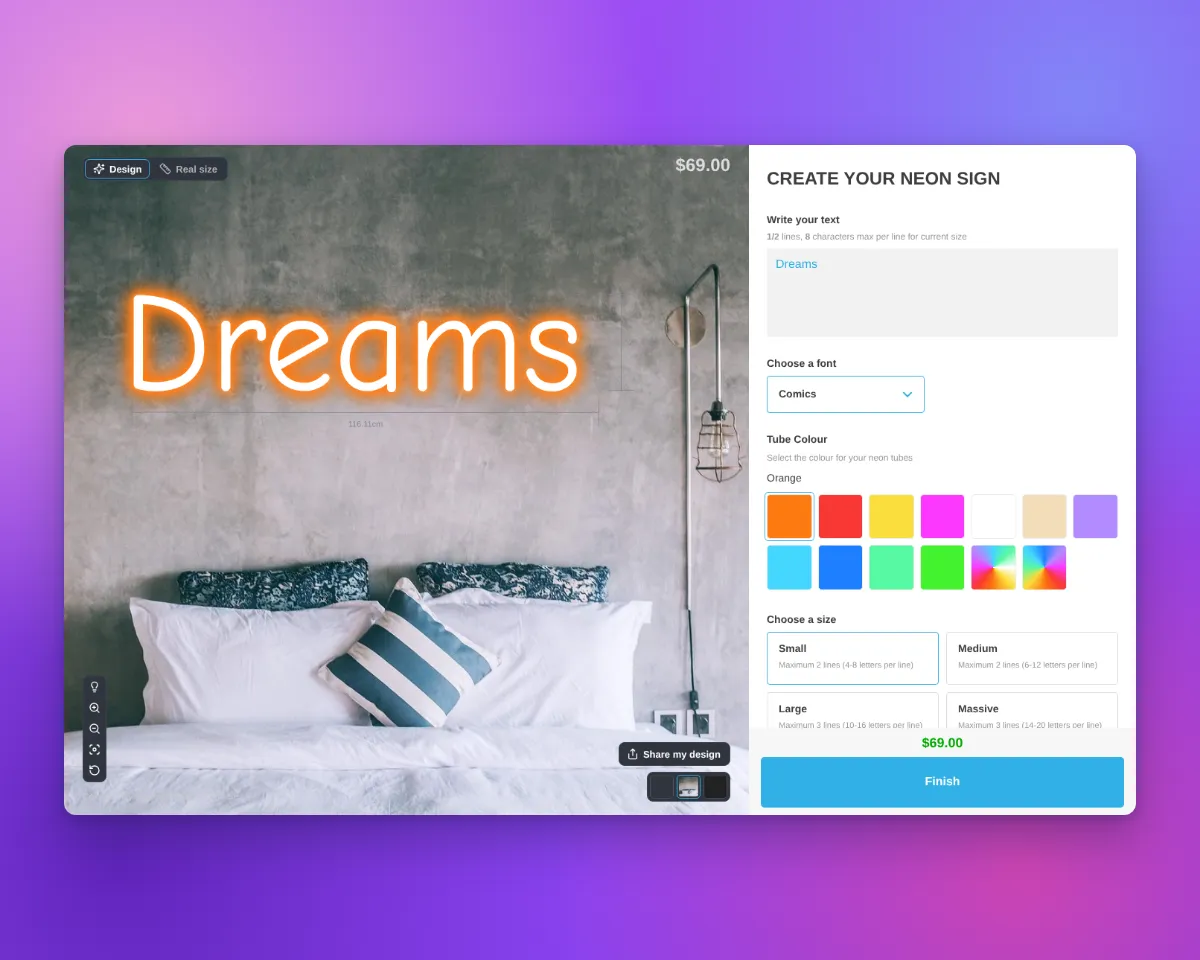
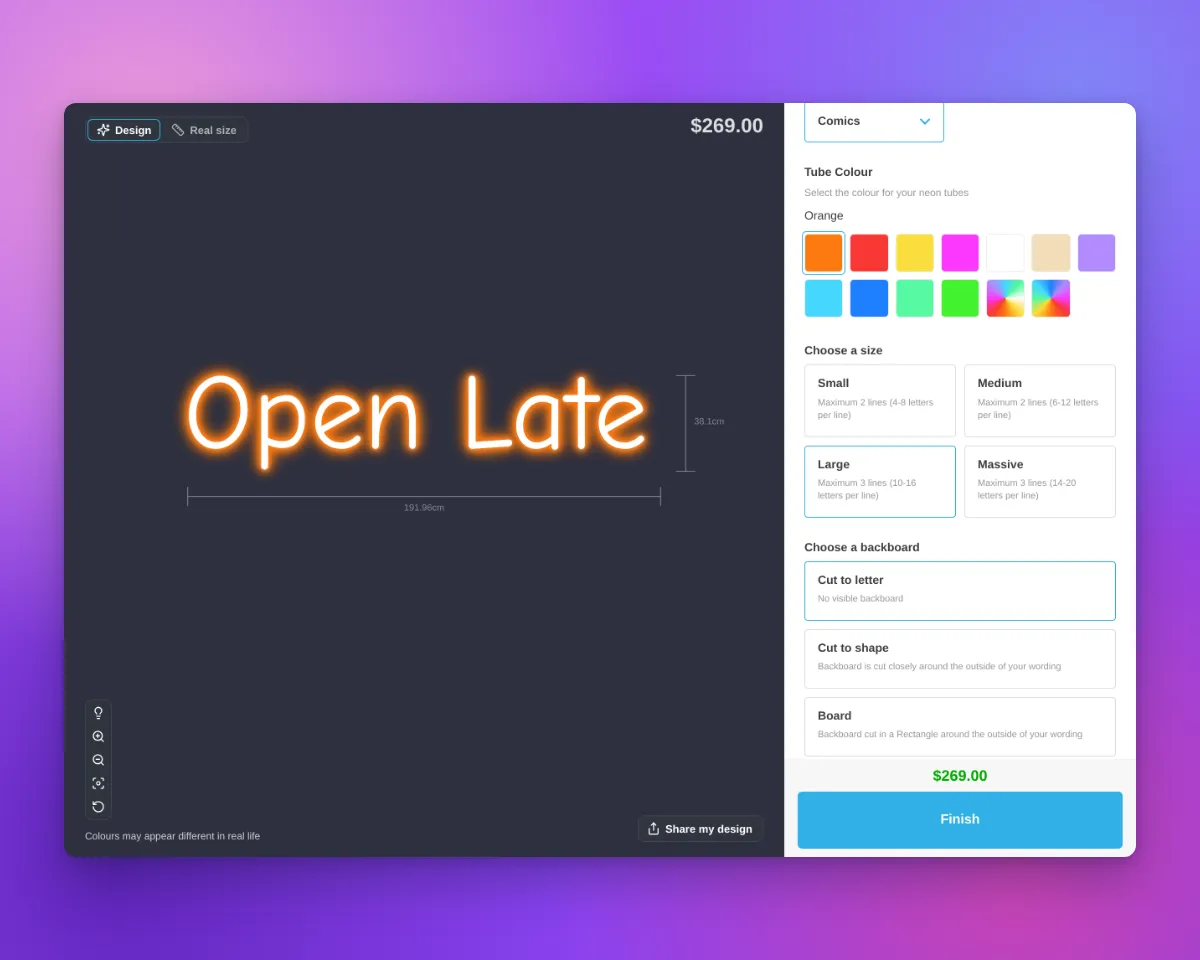
Cut-to-shape and cut-to-letter backboards now look like the real thing in the customiser. When no backboard colour is selected, Sign Customiser previews the backing as clear acrylic with a crisp cut edge that follows your design — matching how a finished neon sign actually looks — instead of a flat grey panel.

What’s Changed
- Clear acrylic by default - With no backboard colour chosen, cut-to-shape and cut-to-letter backboards now render as clear acrylic rather than a solid grey shape.
- Visible cut edge - A clean cut line traces the outer edge of the design — the whole silhouette for cut-to-shape, and each letter for cut-to-letter — just like light catching the edge of real acrylic.
- A more accurate preview - Customers see a truer representation of their finished neon sign, helping them feel confident in their design before adding it to the cart.
-
Clearer icon picker for custom sign text
Sign Customiser now makes sign icons easier for customers to find while they are writing their sign text. The old compact icon control has been replaced with a labelled button and a tidy inline icon grid, so adding a graphic feels like part of the text editing flow instead of a hidden extra step.

What’s Changed
- Clearer icon button - The text editor now shows a bordered icon button with a short label, making the icon picker easier to discover
- Merchant-editable wording - Stores can customise the button label from the Icons settings page to match their own language and product style
- Inline icon grid - Icons now open in a compact panel beneath the text box, keeping the customer in context while they add graphics to their sign
- More stable toolbar layout - The icon button sits neatly alongside the text controls and avoids overlapping the text field on narrower layouts
-
Hide the jacket step for simpler neon customisers
Many neon shops offer just a single jacket option, so the extra jacket step in the customiser asked customers to make a choice they never really needed to make. Sign Customiser now hides the jacket step by default on new neon customisers, giving shoppers a shorter, more focused path to checkout — without changing how your signs are built.

Behind the scenes, your first jacket option is still applied automatically, so every sign keeps the correct tube colour and your orders carry exactly the same details as before. And if you do offer more than one jacket type, a single setting brings the step straight back.
What’s Changed
- Cleaner customiser by default - New neon customisers hide the jacket step, removing it from both the design sidebar and the order summary
- Correct tube colour kept automatically - Your first jacket option is still applied in the background, so signs render correctly and orders are completely unaffected
- One setting to show or hide - A new “Hide the jacket step from customers” option in your jacket settings lets you turn the step on or off whenever you like
- Ideal for single-jacket shops - Perfect if you only offer one jacket type and want to keep the buying experience as simple as possible
-
Preview and undo bulk price adjustments
Sign Customiser has rebuilt the Adjust prices page so percentage-based bulk updates feel safer to use. Before you apply a change you can see exactly how the cheapest and most expensive options will move, and if you need to back out of a price change you can undo the last bulk update without restoring values by hand.

What’s Changed
- Live before-and-after preview - Enter a percentage and instantly see how the cheapest and most expensive options in your customiser will change, including the per-£100 impact of the adjustment
- Confirmation modal - Review the full price range and the number of options affected in a confirmation dialog before any changes are saved
- One-click undo - Roll back the most recent bulk update from the same screen, with a clear note of who applied it and when
- Safer rollbacks - Sign Customiser detects when individual prices have been edited since the last bulk update and prevents the undo from quietly overwriting your manual changes
- Accurate projections - Previews use the same rounding rules as the saved price, so the numbers you see in the preview match the numbers your customers will see
-
Metal cut-out signs
Sign Customiser now ships a dedicated Metal Cut-Out Signs product type. Customers pick a panel shape and type or upload their design, and the sign is rendered as a clean negative-space cut-out from a metal panel — ready to send straight to the laser cutter.

What’s Changed
- New Metal Cut-Out Signs product type — Pick “Metal Cut-Out Signs” in the customiser create flow alongside neon, channel letters, lightbox, wood, and address numbers. Onboarding seeds a complete starter customiser with panels, panel colours, mountings, and an outdoor finishing extra so the new product is ready to sell as soon as it’s created
- Six pre-built panel shapes — Rectangle, rounded rectangle, circle, oval, classic plaque, and banner panels are included out of the box, each with sensible text padding so the cut-out design always sits comfortably inside the panel edge
- AI Sign Designer support — Customers can upload a logo or describe the sign they want and the AI Sign Designer generates clean stencil-style artwork shaped to the selected panel, ready to be cut from metal in a single piece
- Panel colour and material library — A starter library of panel finishes — including raw steel — applies across the visualiser so shoppers see their cut-out design on the actual material they’ll receive
- Mounting and finishing options — Wall standoffs and pre-cut hanging holes ship as mounting choices, with an optional outdoor clear coat extra for signs that need extra protection against the weather
- Frame fit pricing built in — Cut-out signs use area-based frame fit pricing, so quotes scale naturally with panel size using the same pricing model already powering backboards and lightbox signs